
Zero Data Loss — Instant In-Place Upgrade Transition
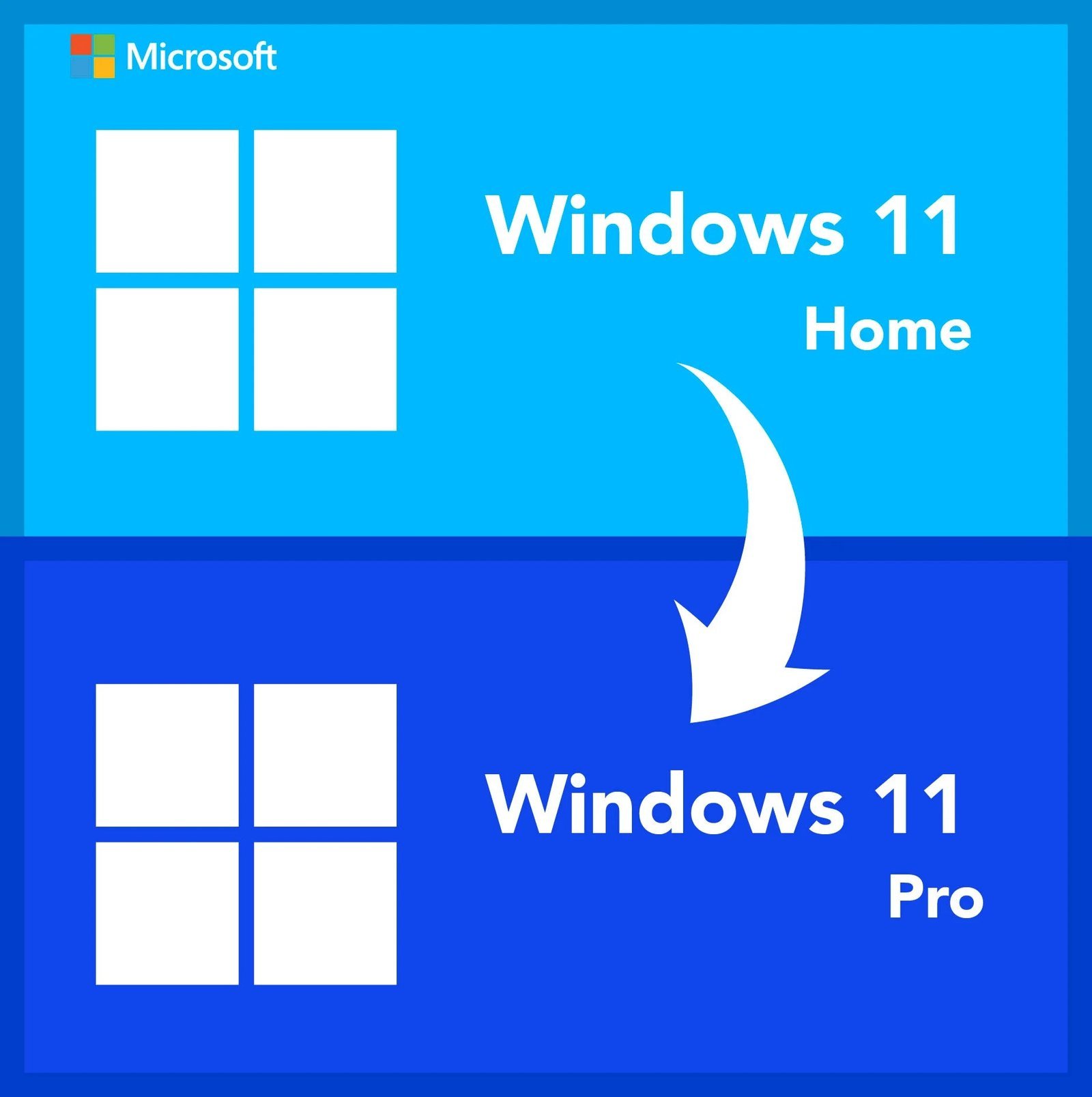
This genuine retail product key allows you to upgrade to windows 11 pro without formatting your system drive. It converts your existing software architecture seamlessly whether you are starting from a Windows 10 Home or Windows 11 Home platform. All of your structural desktop files, installed processing applications, configuration files, and personal user settings remain completely untouched.
Product Specifications
Microsoft Official
Windows 10 & 11 Home
Lifetime Retail (1 PC)
Multilingual / Region-Free
Why Choose to Upgrade Windows 11 Home to Pro?
Unlocks premium tools engineered exclusively when you upgrade to windows 11 pro from a standard home edition, instantly expanding your machine’s system capabilities:
BitLocker Drive Encryption
Lock down your physical storage drive data completely. Protect your sensitive documents from unauthorized exposure if your computer is lost or stolen.
Native Remote Desktop Host
Connect directly and control your main workstation configuration from anywhere in the world with absolute security permissions.
Hyper-V Virtualization Modules
Run separate secondary operating system parameters inside isolated virtual testing blocks smoothly without impacting primary processing paths.
Windows Sandbox Testing
Boot untrusted executable setup configurations instantly inside a secure, throwaway system container that completely disappears when closed.
Edition Feature Comparison Matrix
See exactly what specialized performance tools and security architectures unlock on your hardware matrix after you upgrade to windows 11 pro:
| OS Operating Capability | Windows 10 / 11 Home | Windows 11 Pro (Post-Upgrade) |
|---|---|---|
| BitLocker Data Volume Protection | ❌ Unsupported | ✅ Fully Unlocked |
| In-Place Execution (No Data Wipe) | ✅ Supported Natively | ✅ Preserves Files & Apps |
| Group Policy Management / Domain Join | ❌ Unsupported | ✅ Fully Unlocked |
| Hyper-V & Local Virtual Environments | ❌ Unsupported | ✅ Fully Unlocked |
| Windows Update for Business Support | ❌ Unsupported | ✅ Fully Unlocked |
How to Execute Your Pro Upgrade Path
Instant Key Sourcing
Your genuine digital retail key targets route directly to your provided email account within seconds of transaction authorization.
Access Windows Settings Dashboard
On your active Home edition computer, open the native navigation menu path: Settings → System → Activation.
Input Upgrade Key Tokens
Expand the configuration options, select Change Product Key, type or paste your official 25-character retail upgrade string, and hit Next.
Automatic Feature Unlocking
Your system will authorize the upgrade to windows 11 pro automatically against official authentication servers. Follow the automated reboot request to finalize the layout transition.
Need a completely standalone clean install license key package instead of an update token?
System Requirements & Boundary Parameters
The following baseline environment criteria apply when you choose to upgrade to windows 11 pro on your machine:
- Dual Home Edition Support: Your computer must currently run a fully activated, non-pirated base installation of either Windows 10 Home or Windows 11 Home.
- Direct In-Place Architecture Migration: If you input this key on Windows 10 Home, it executes an direct in-place migration that securely shifts your operating environment straight into a completely authenticated edition of Windows 11 Pro.
- Hardware Verification Rules: An active internet stream connection is required strictly during the verification phase to authorize licensing scripts.
Frequently Asked Questions
Will my programs or local records get wiped during the transition?
No. Executing an in-place step to upgrade to windows 11 pro preserves all localized directories, user data configurations, desktop applications, and settings completely without formatting your active drive layers.
Can I use this key code to process a completely clean installation?
No. If you have a brand-new custom PC with a blank SSD or an unpartitioned drive layer, this token will not activate it. It is designed solely for an active machine looking to transition an existing base OS setup from Home to Pro.
What happens if the operating system upgrade triggers a validation error?
All transactions are fully covered by our storefront guarantee. If Microsoft’s licensing servers reject the transition process or a custom error code blocks the setup, our support desk replaces the key to ensure you upgrade to windows 11 pro within a few hours. Please feel free to contact our support team anytime!

ngl, got key super fast via email, activated easy
got key fast, did the job, smooth process
gotta say, key seems legit, activated no issues
got key fast, activation pretty much a breeze
gotta say, key is valid, activated no issue