
Norton 360 Deluxe Installation guide
This free, step-by-step guide walks you through downloading, installing and activating Norton 360 Deluxe — with real screenshots for every step, in 12 languages.
Get the installer
Download the desired version with the following download link.
Available in 1 languages —
Read this very carefully
- 1 gigahertz (GHz) or faster 32-bit (x86) or 64-bit (x64) processor
- 1 gigabyte (GB) RAM (32 bit) or 4 GB RAM (64 bit)
- 4 GB of available hard disk space
- DirectX 9 graphics device with WDDM 1.0 or higher driver
Step-by-step install
Before you begin: you receive a product key after buying the Norton product.
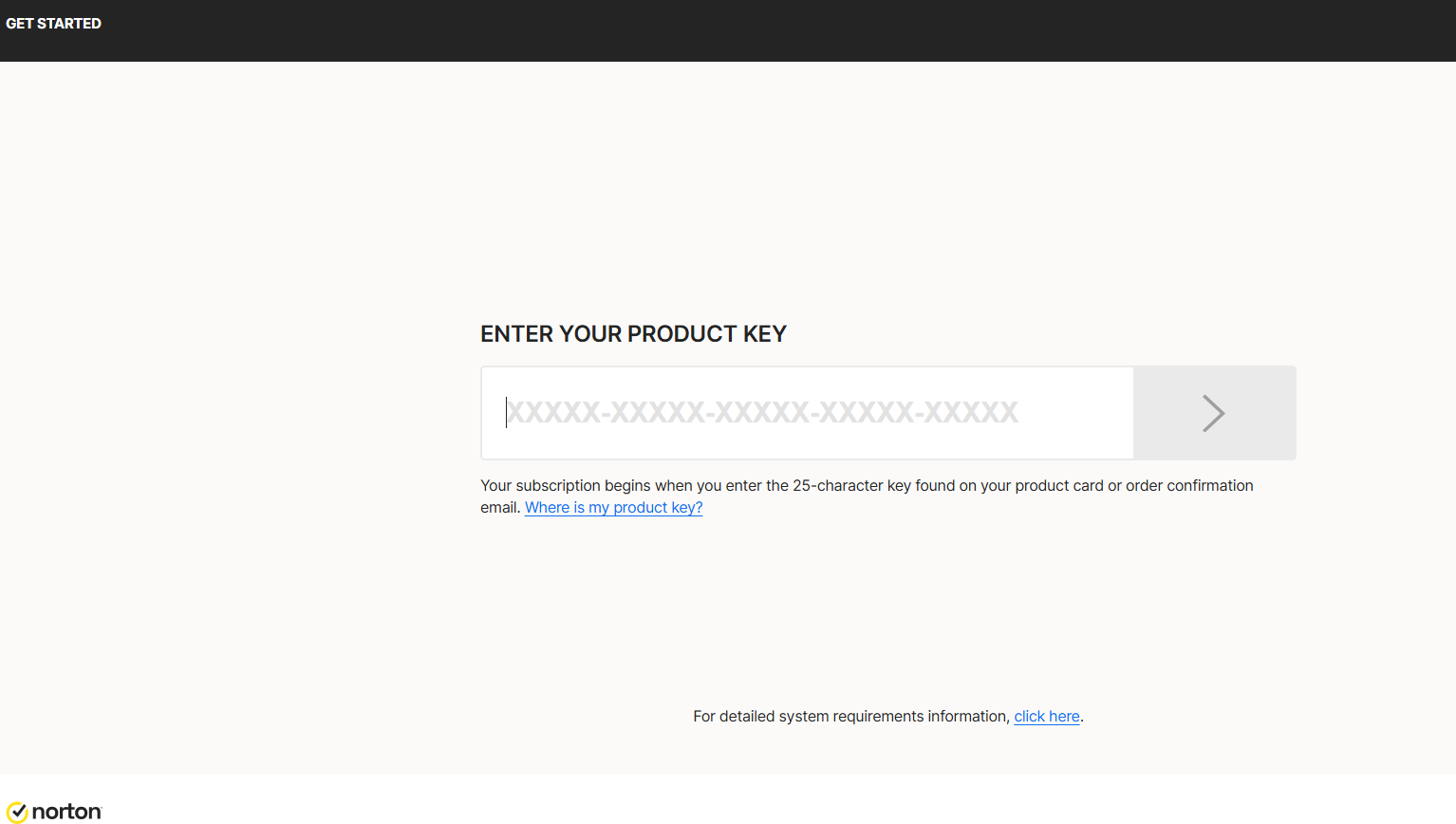
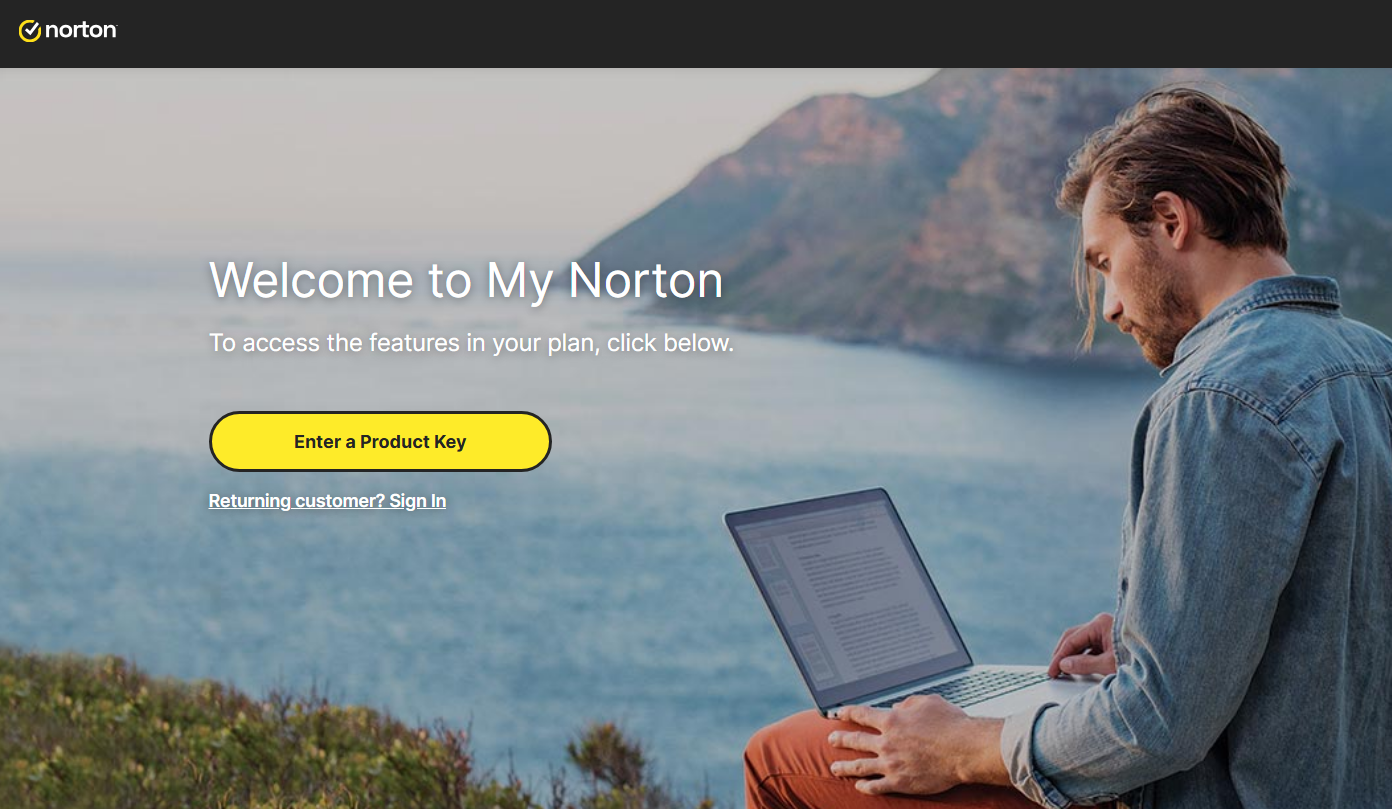
To download Norton, visit https://norton.com/setup , which takes you to https://my.norton.com/home/setup where you sign in. If you have no account yet, create one first. You may already be signed in from when you made your purchase.
Next, authorize the yearly subscription to renew using your credit card. Fill in your card details in the fields below:
With this step you approve the subscription charge and its automatic renewal. Finish by selecting Start subscription.
Download the installer, then run it:
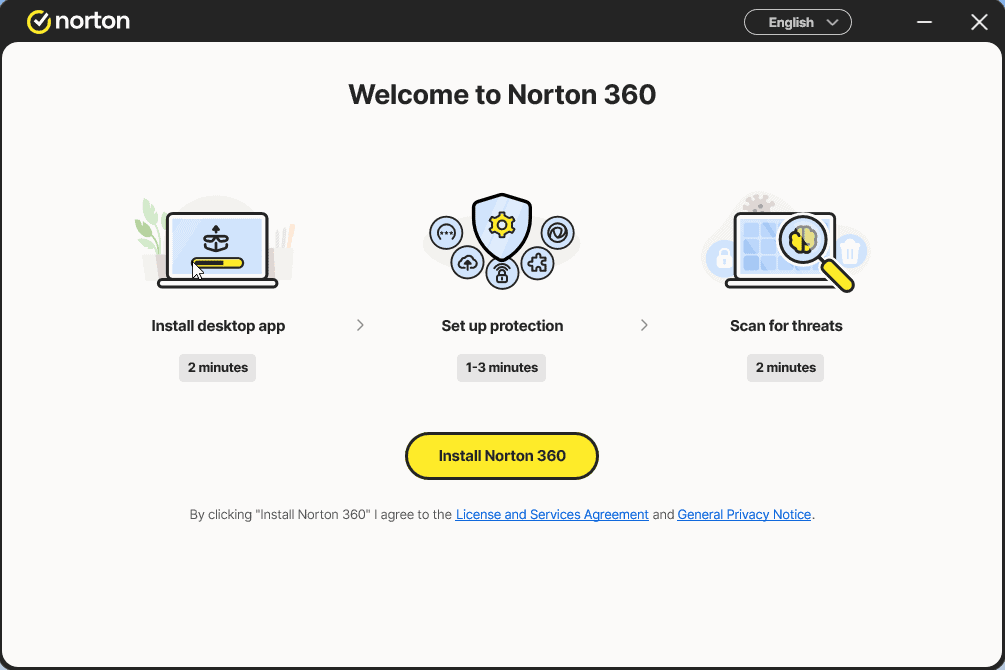
Install the app and sign in to it once more
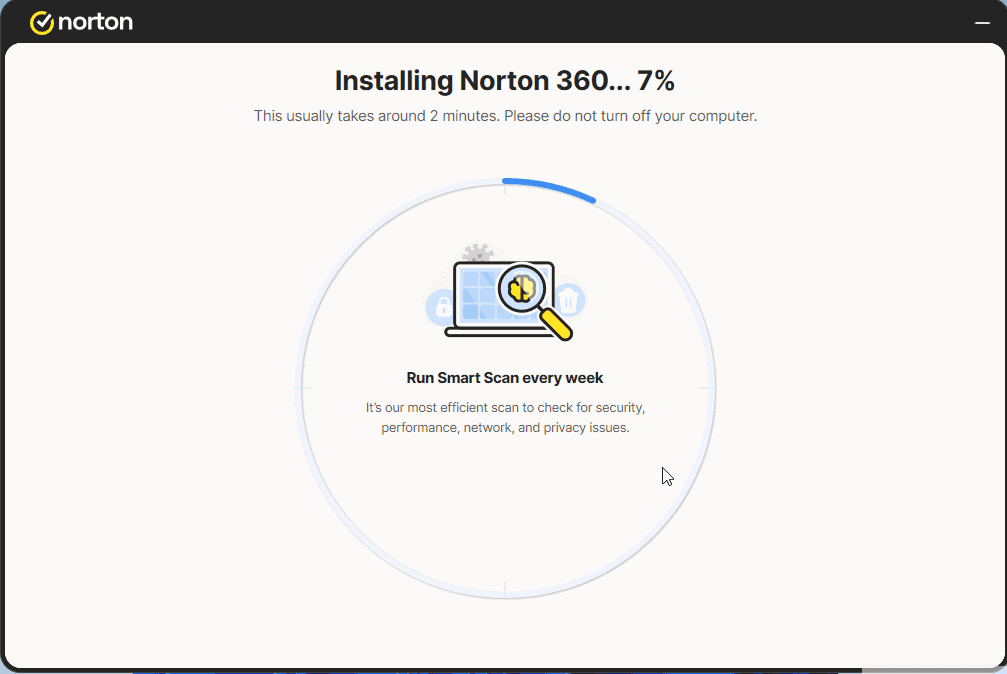
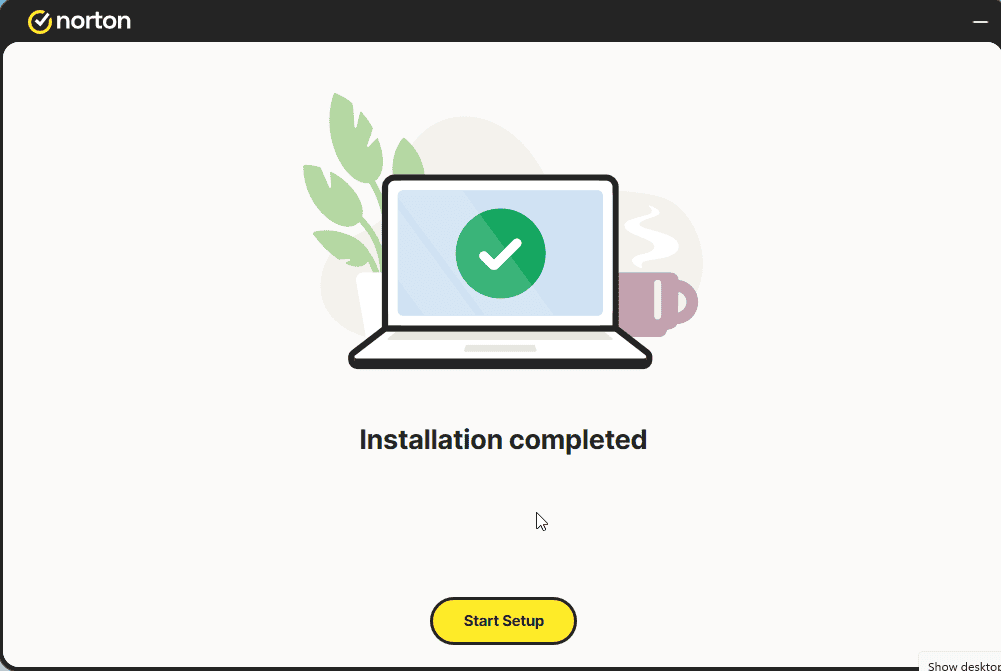
Select Start Setup and complete the 4 steps. Sign in if prompted.
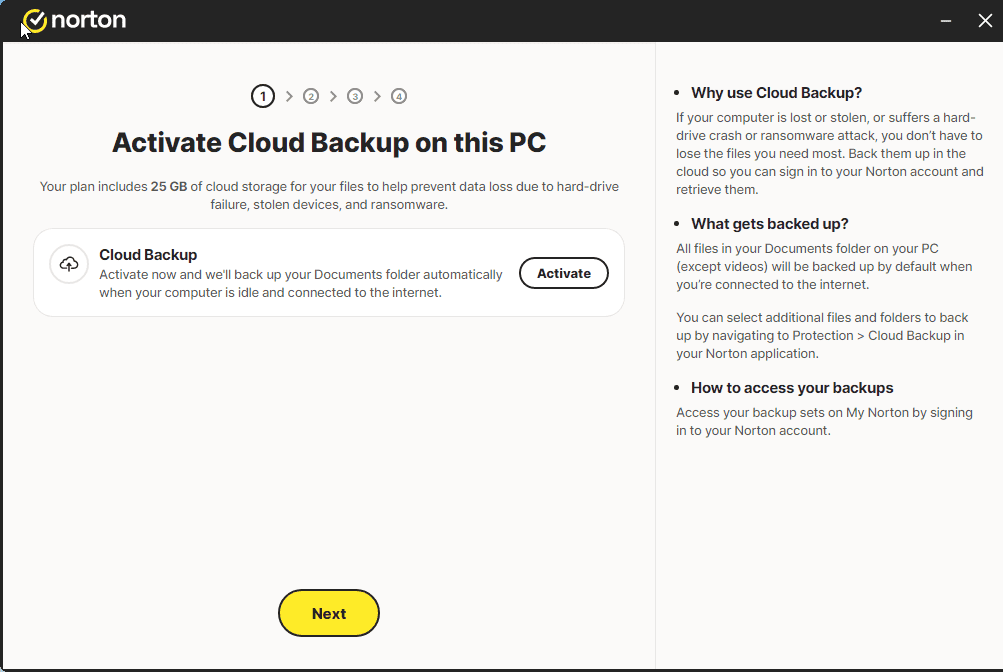
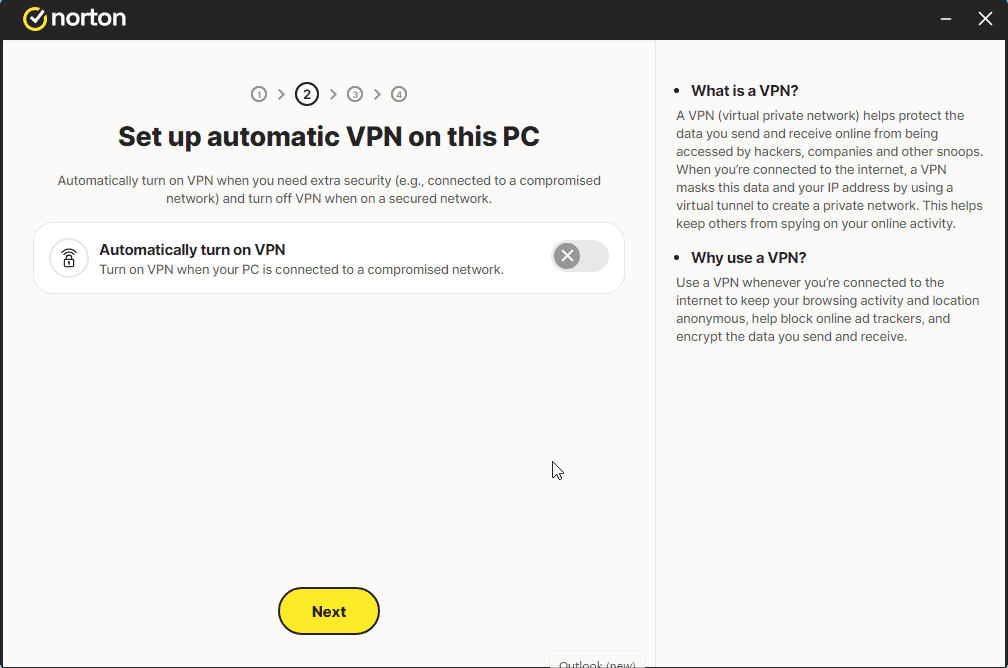
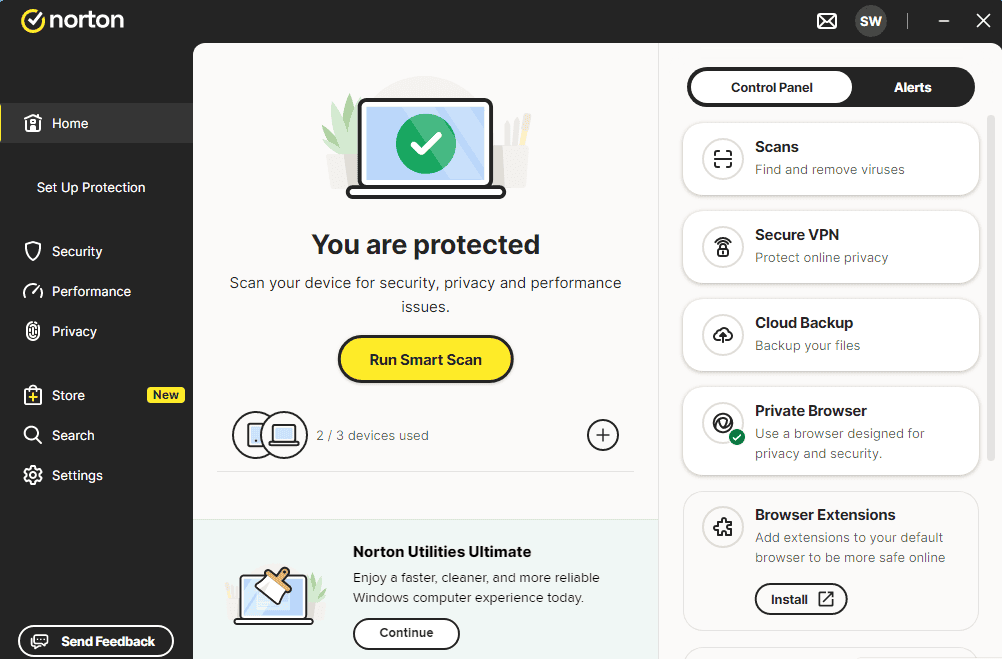
A message similar to the one shown in the image should appear:
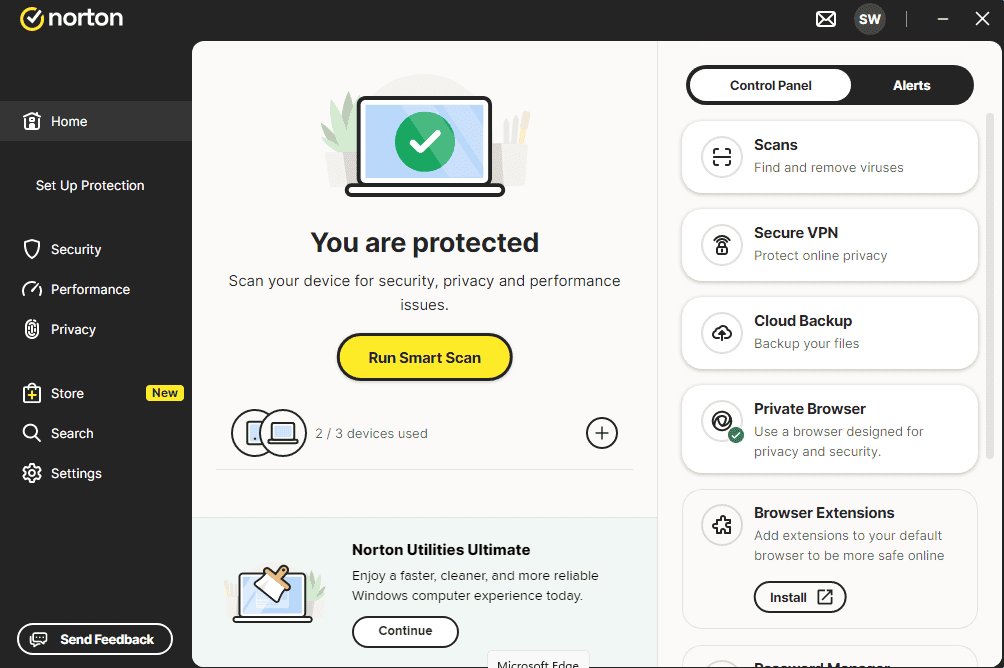
You can now run a Smart Scan
Activate your licence
Follow these 4 short steps — the whole sequence takes under two minutes.
Next, authorize the yearly subscription to renew using your credit card. Fill in your card details in the fields below:
Pick your language
The installation media is available in 1 languages. Each is the original media — only the UI language is preset.

Common questions
Do I need to uninstall other antivirus software first?
+
Yes — running two antivirus suites simultaneously causes conflicts, false positives, and slowdowns. Uninstall any existing antivirus (including the free trials that came preloaded) and restart before installing the new one.
How many devices does one licence cover?
+
It depends on the bundle: "5 devices" licences activate on five PCs/Macs/phones, "Unlimited" licences have no device cap. Each device just needs to be signed in with the same account.
Does an antivirus slow down my PC?
+
Modern antivirus suites are designed to run in the background with minimal impact. The first full scan after install takes time and uses CPU, but subsequent scans are incremental and barely noticeable on modern hardware.
Need a hand?
Microsoft no longer offers phone activation
Note: Keep your device connected to the Internet during installation so activation goes smoothly. If something goes wrong or you have questions, please get in touch with the support team of the store you bought the product from.
Files are hosted on our secure CDN. Click Download to start — your browser will handle the rest.