
Norton 360 Deluxe Installationsanleitung
Diese kostenlose Schritt-für-Schritt-Anleitung führt Sie durch Download, Installation und Aktivierung von Norton 360 Deluxe — mit echten Screenshots für jeden Schritt, in 12 Sprachen.
Installer herunterladen
Laden Sie die gewünschte Version über den folgenden Download-Link herunter.
Verfügbar in 1 Sprachen —
Lesen Sie dies sehr sorgfältig
- 1 Gigahertz (GHz) oder schneller 32-Bit (x86) oder 64-Bit (x64) Prozessor
- 1 Gigabyte (GB) RAM (32 Bit) oder 4 GB RAM (64 Bit)
- 4 GB verfügbarer Festplattenspeicher
- DirectX 9-Grafikgerät mit WDDM 1.0 oder höherem Treiber
Schritt für Schritt installieren
Before you begin: you receive a product key after buying the Norton product.
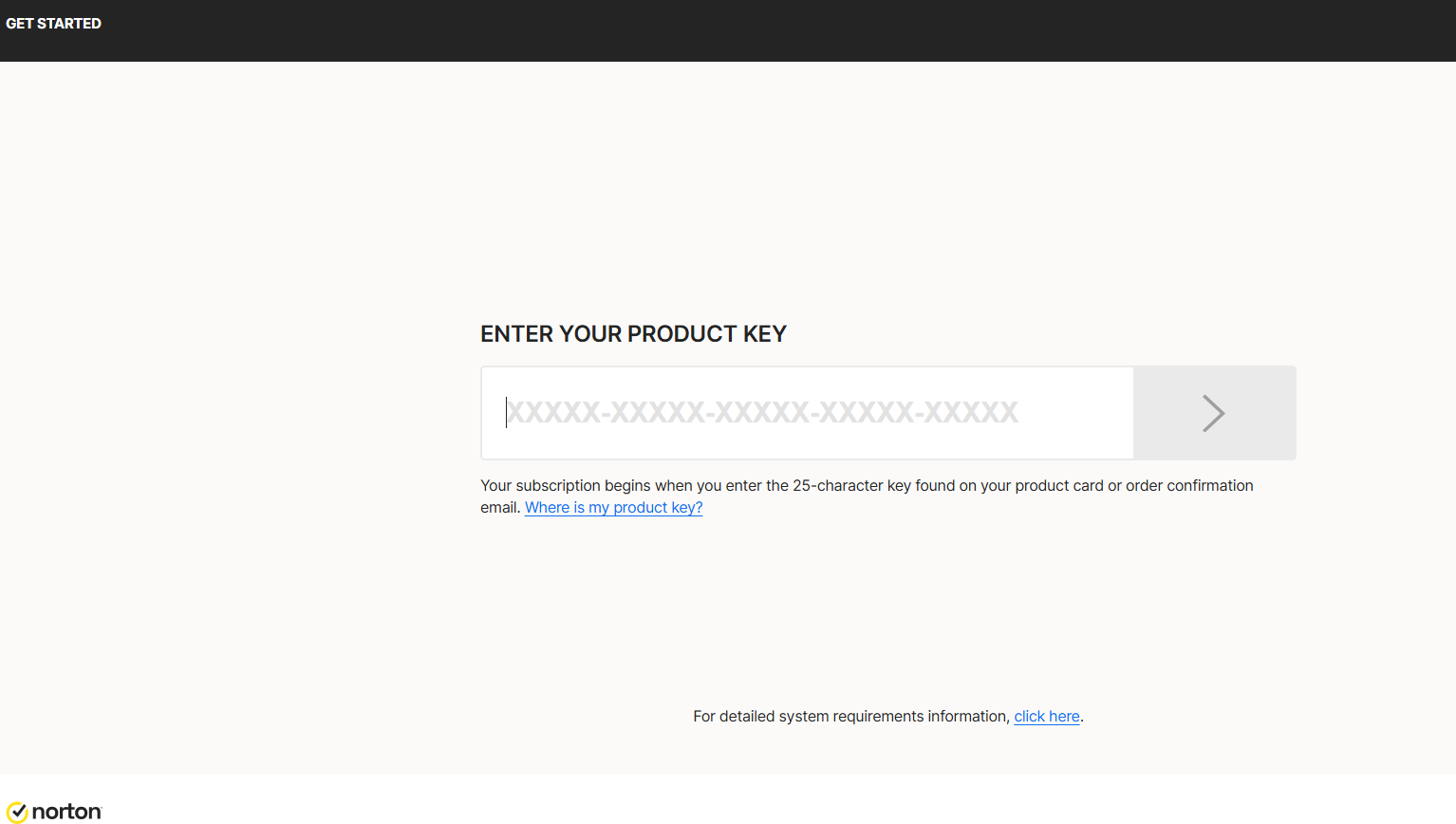
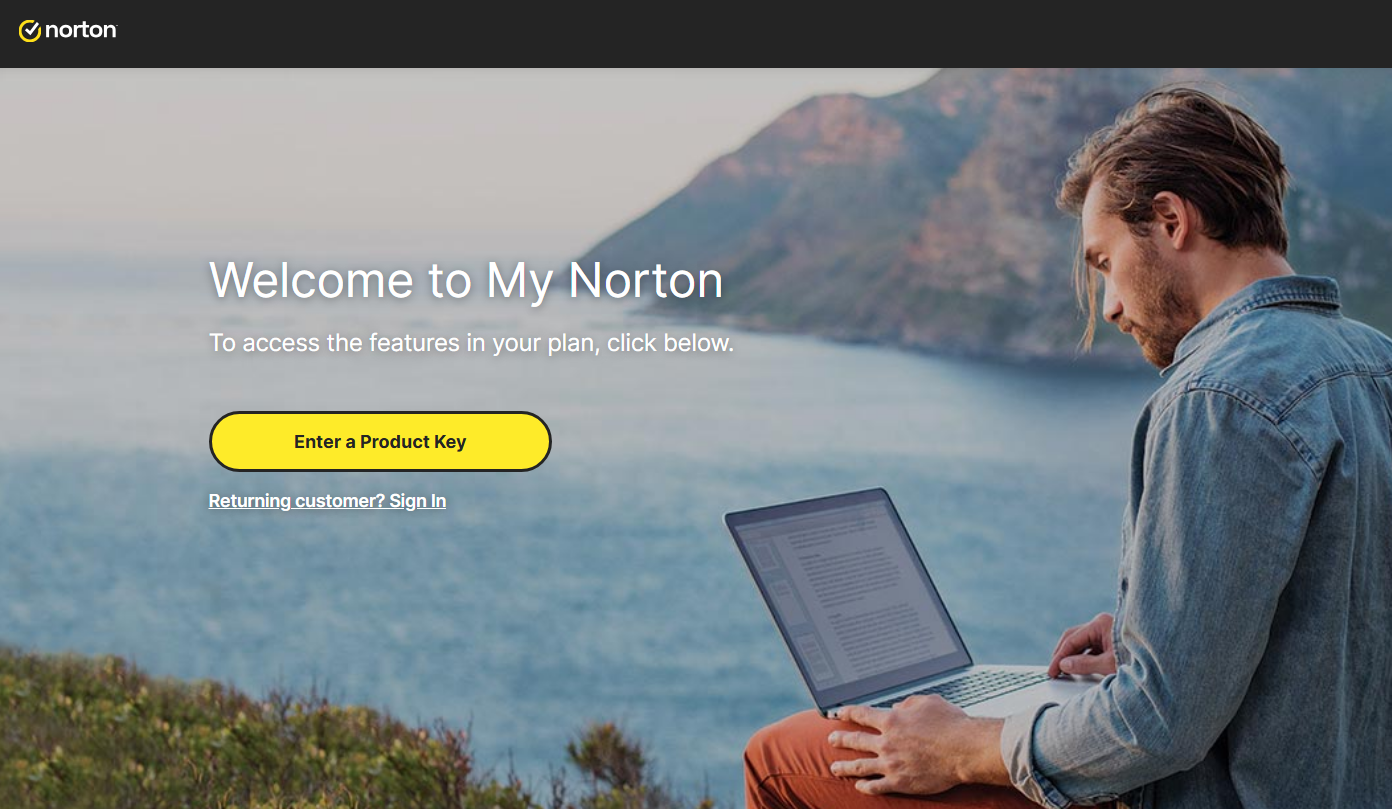
To download Norton, visit https://norton.com/setup , which takes you to https://my.norton.com/home/setup where you sign in. If you have no account yet, create one first. You may already be signed in from when you made your purchase.
Next, authorize the yearly subscription to renew using your credit card. Fill in your card details in the fields below:
With this step you approve the subscription charge and its automatic renewal. Finish by selecting Start subscription.
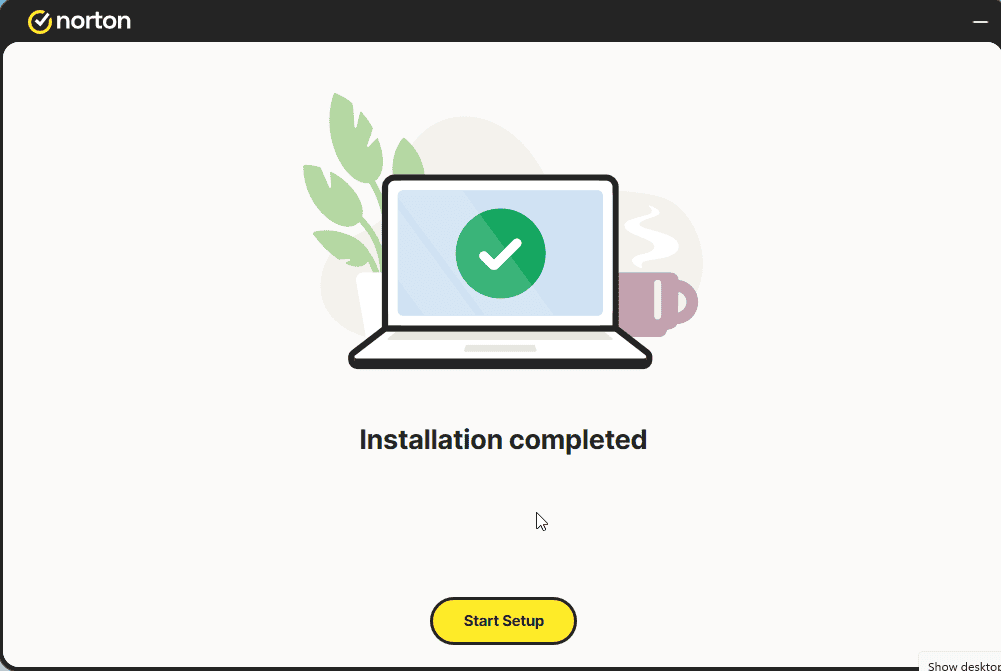
Download the installer, then run it:
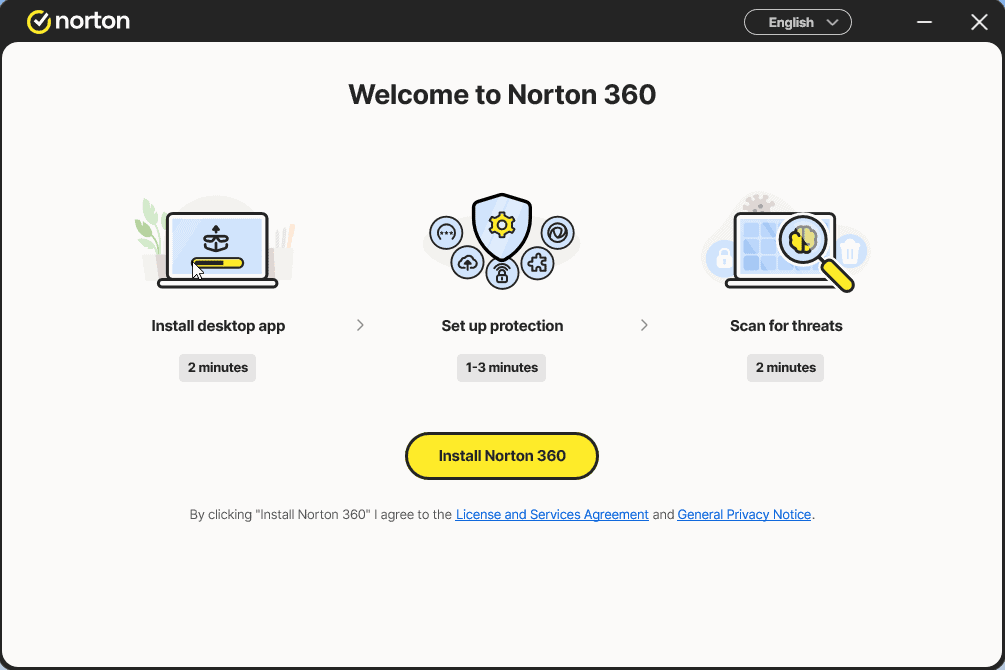
Install the app and sign in to it once more
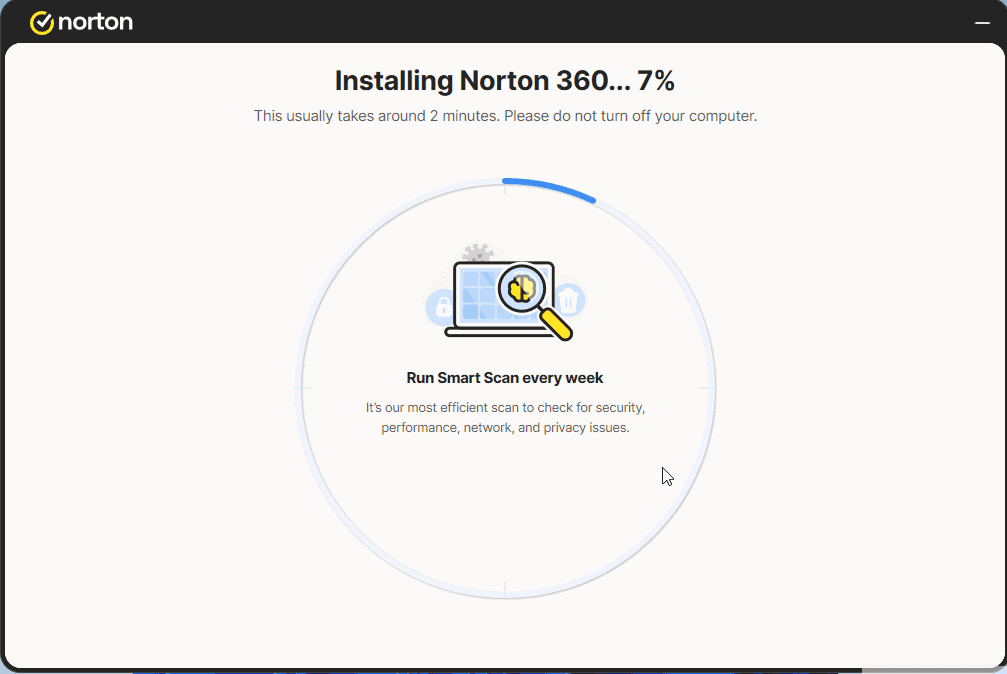
Select Start Setup and complete the 4 steps. Sign in if prompted.
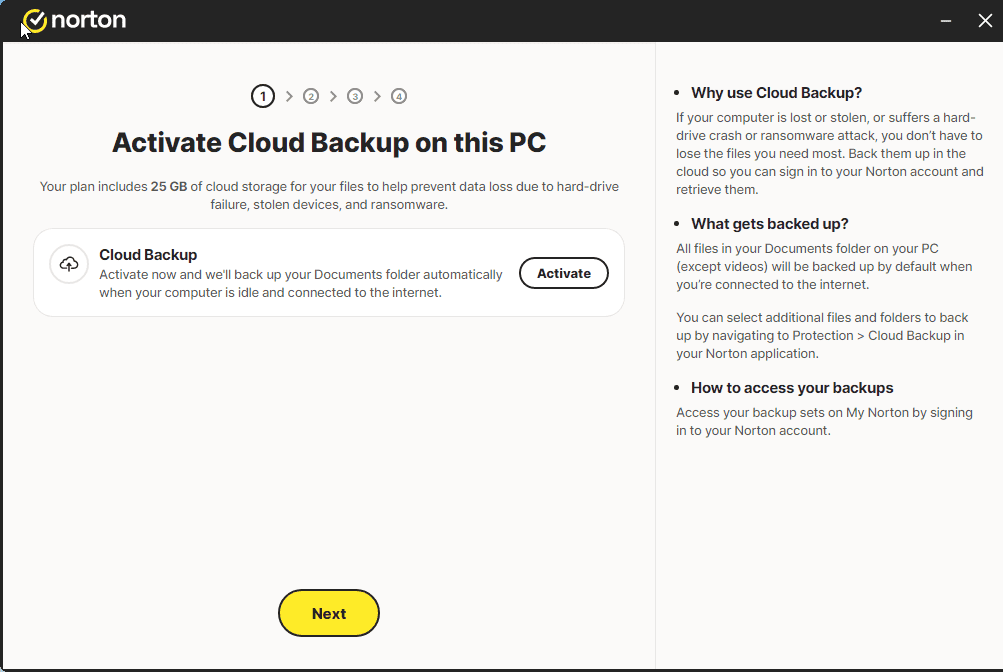
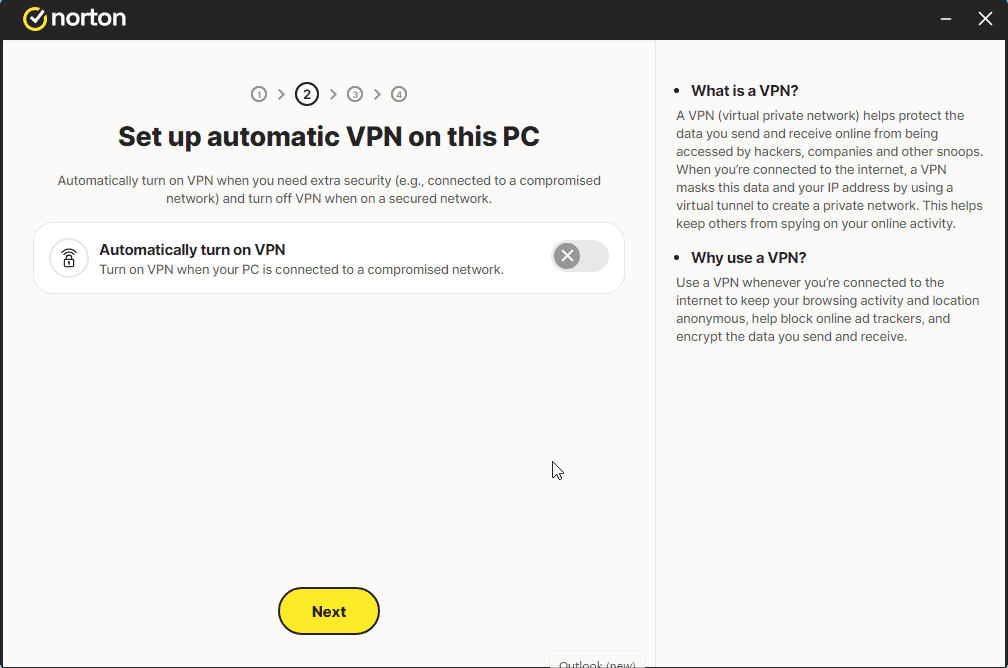
A message similar to the one shown in the image should appear:
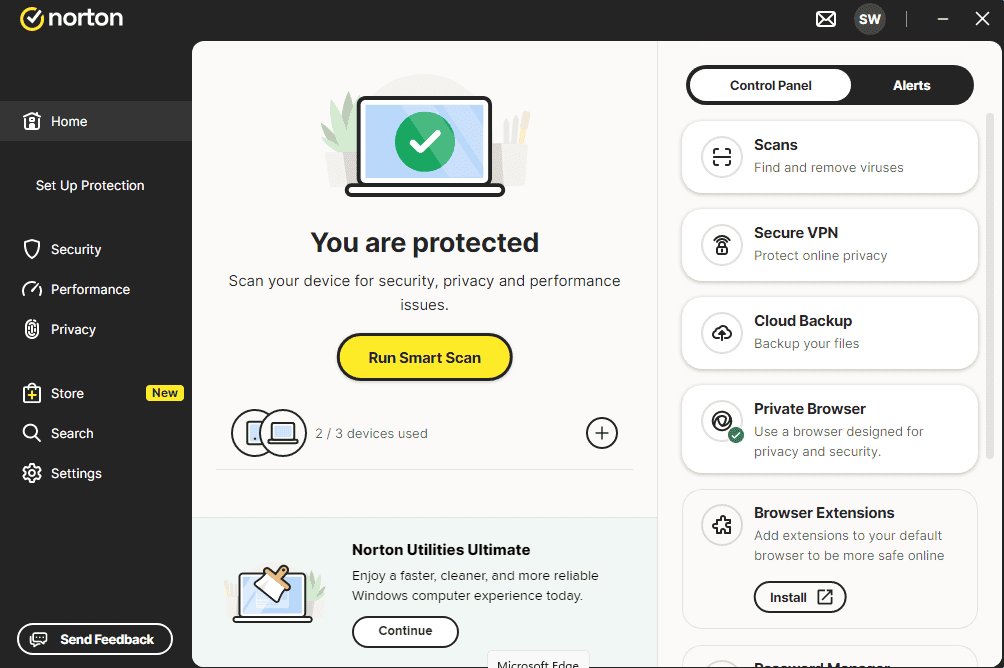
You can now run a Smart Scan
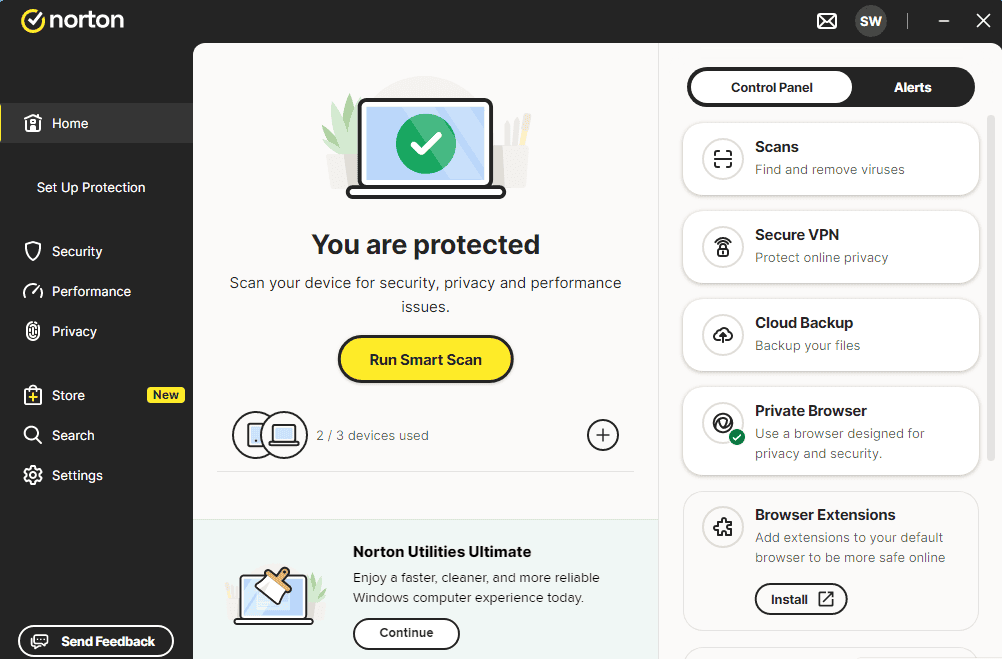
Lizenz aktivieren
Folgen Sie diesen 4 kurzen Schritten — die gesamte Abfolge dauert unter zwei Minuten.
Im nächsten Schritt erteilen Sie mit Ihrer Kreditkarte die Freigabe für die Verlängerung des Jahresabonnements. Tragen Sie dazu Ihre Kartendaten in die folgenden Felder ein:
Sprache wählen
Die Installationsmedien sind in 1 Sprachen verfügbar. Jedes ist das Originalmedium – nur die Benutzeroberfläche ist voreingestellt.

Häufige Fragen
Muss ich vorhandene Antivirensoftware zuerst deinstallieren?
+
Ja — zwei Antivirenprogramme gleichzeitig führen zu Konflikten, Fehlalarmen und Performance-Einbußen. Deinstalliere jede vorhandene Antivirus-Software (auch vorinstallierte Testversionen) und starte vor der Neuinstallation neu.
Wie viele Geräte deckt eine Lizenz ab?
+
Es kommt auf das Paket an: "5 Geräte"-Lizenzen aktivieren auf fünf PCs/Macs/Smartphones, "Unbegrenzt"-Lizenzen haben kein Gerätelimit. Jedes Gerät muss nur mit demselben Konto angemeldet sein.
Verlangsamt ein Antivirus meinen PC?
+
Moderne Antivirensuiten laufen im Hintergrund mit minimalen Auswirkungen. Der erste vollständige Scan nach der Installation dauert und nutzt CPU, aber spätere Scans sind inkrementell und auf moderner Hardware kaum spürbar.
Brauchst du Hilfe?
Microsoft bietet keine Telefonaktivierung mehr
Note: Keep your device connected to the Internet during installation so activation goes smoothly. If something goes wrong or you have questions, please get in touch with the support team of the store you bought the product from.
Dateien werden auf unserem sicheren CDN gehostet. Klicken Sie auf Herunterladen – Ihr Browser erledigt den Rest.