
Norton 360 Deluxe Installasjonsveiledning
Denne gratis trinn-for-trinn-guiden hjelper deg med å laste ned, installere og aktivere Norton 360 Deluxe — med ekte skjermbilder ved hvert trinn, på 12 språk.
Last ned installasjonsprogrammet
Last ned ønsket versjon med følgende nedlastingslenke.
Tilgjengelig på 1 språk —
Les dette svært nøye
- 1 gigahertz (GHz) eller raskere 32-biters (x86) eller 64-biters (x64) prosessor
- 1 gigabyte (GB) RAM (32 bit) eller 4 GB RAM (64 bit)
- 4 GB tilgjengelig plass på harddisken
- DirectX 9-grafikkenhet med WDDM 1.0 eller høyere driver
Trinn-for-trinn installasjon
Before you begin: you receive a product key after buying the Norton product.
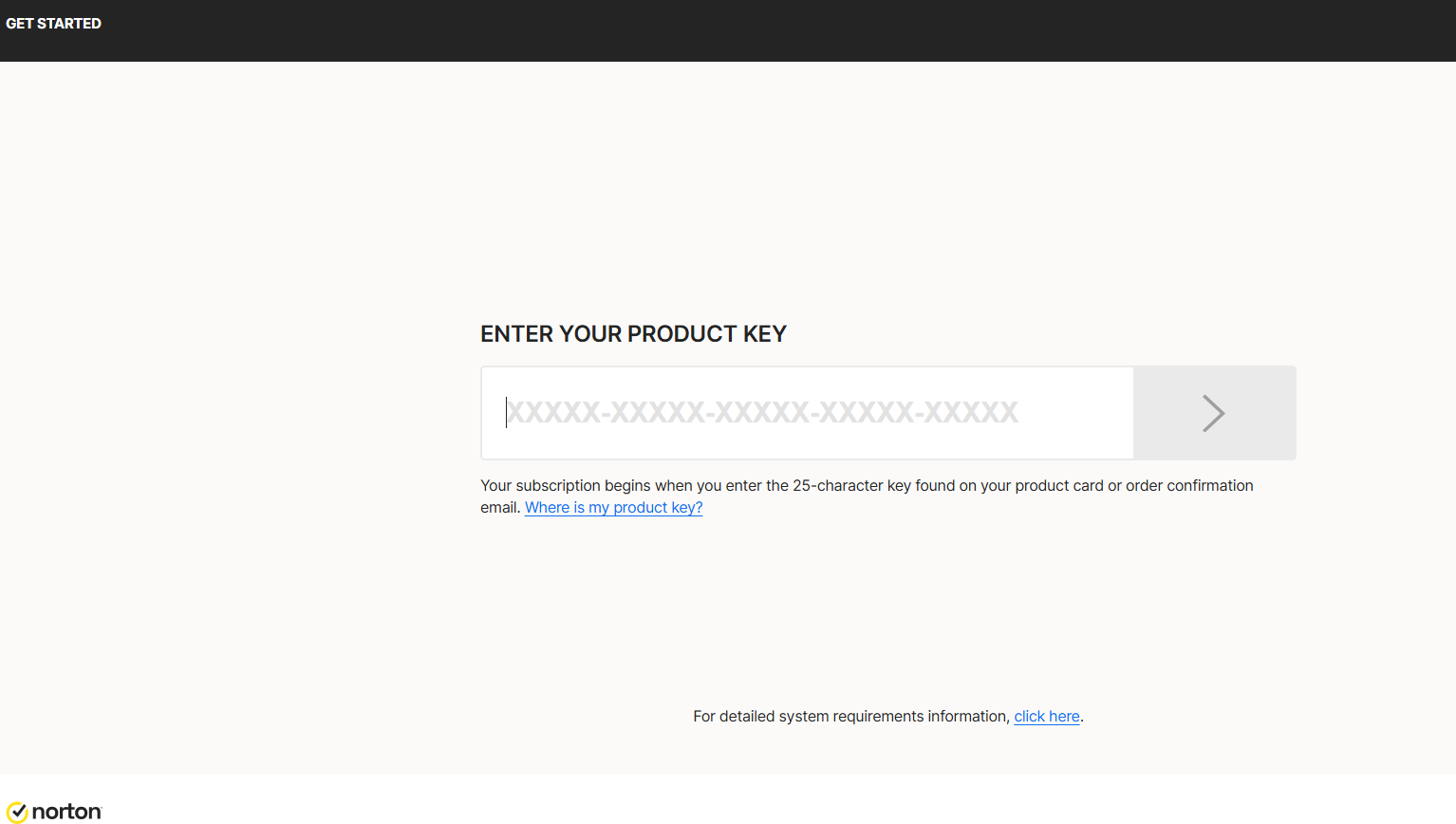
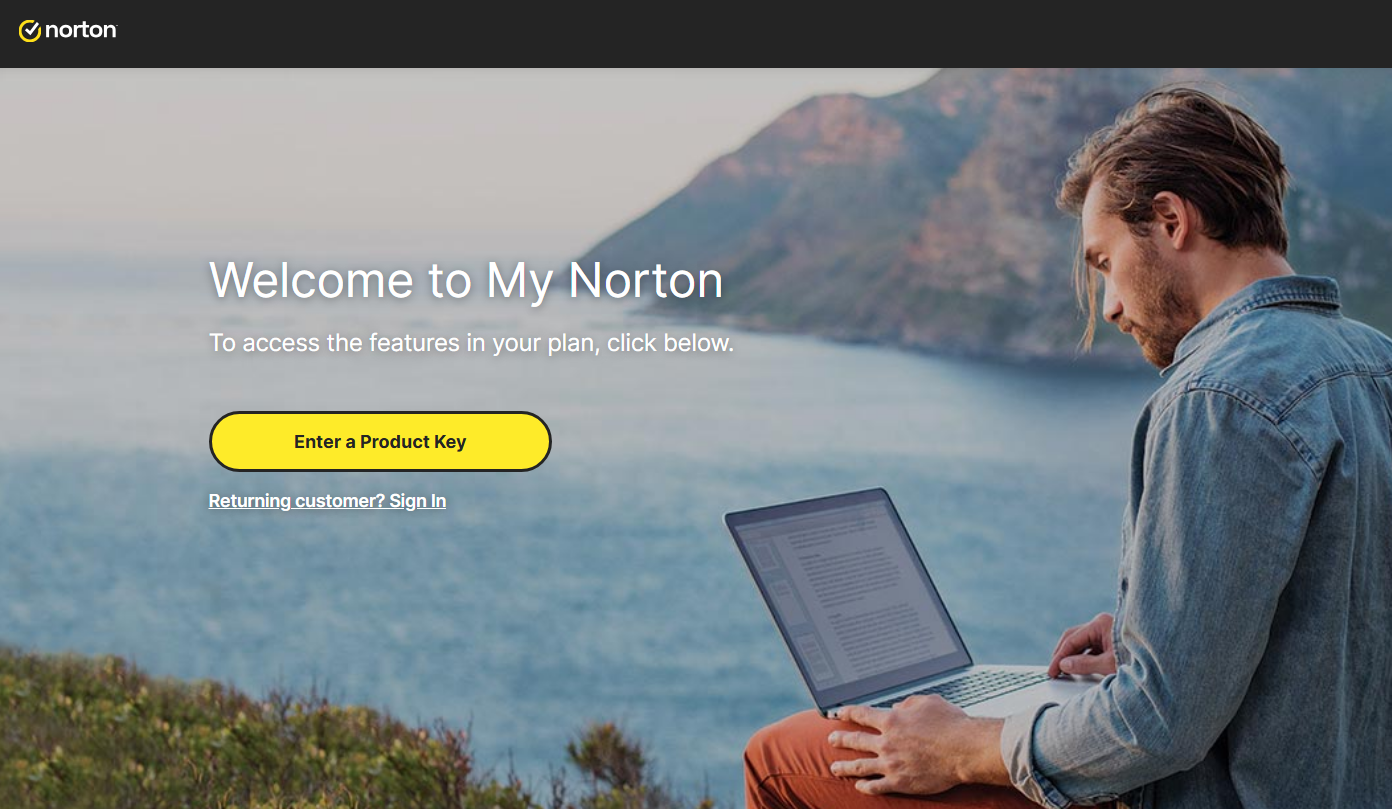
To download Norton, visit https://norton.com/setup , which takes you to https://my.norton.com/home/setup where you sign in. If you have no account yet, create one first. You may already be signed in from when you made your purchase.
Next, authorize the yearly subscription to renew using your credit card. Fill in your card details in the fields below:
With this step you approve the subscription charge and its automatic renewal. Finish by selecting Start subscription.
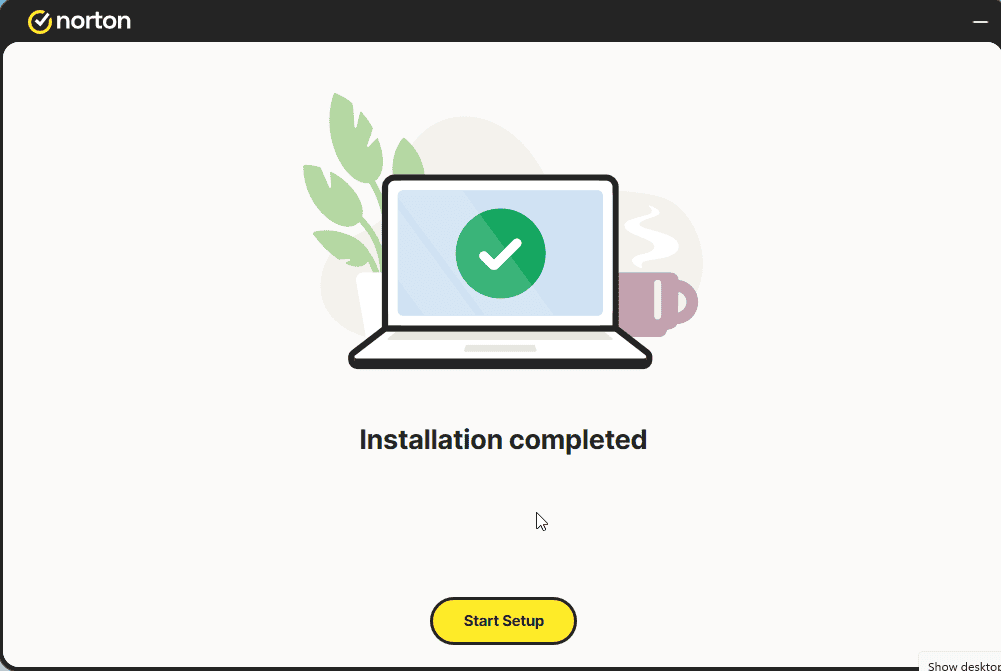
Download the installer, then run it:
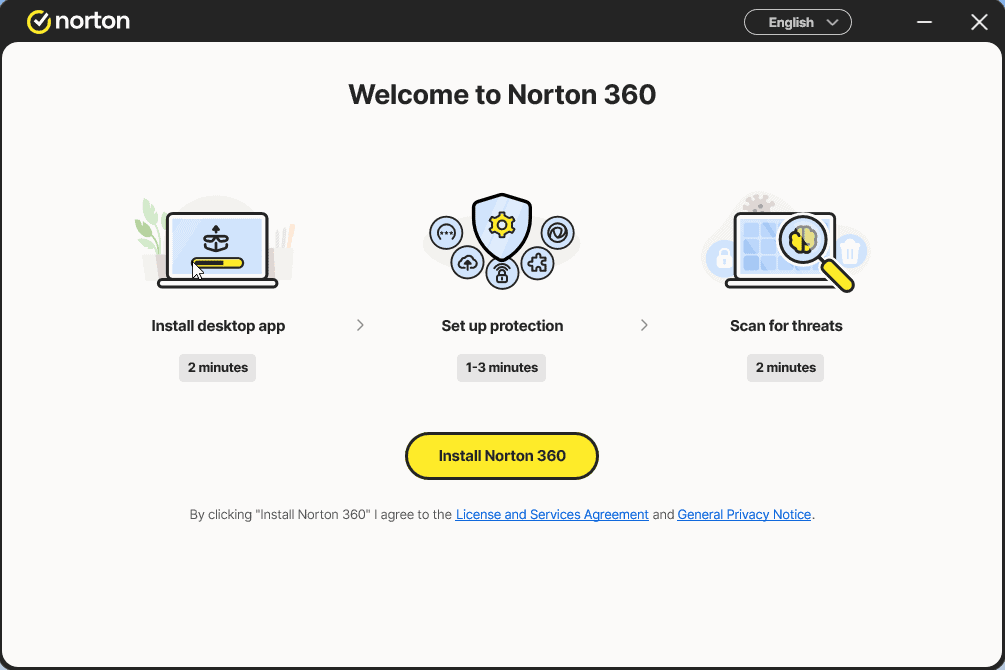
Install the app and sign in to it once more
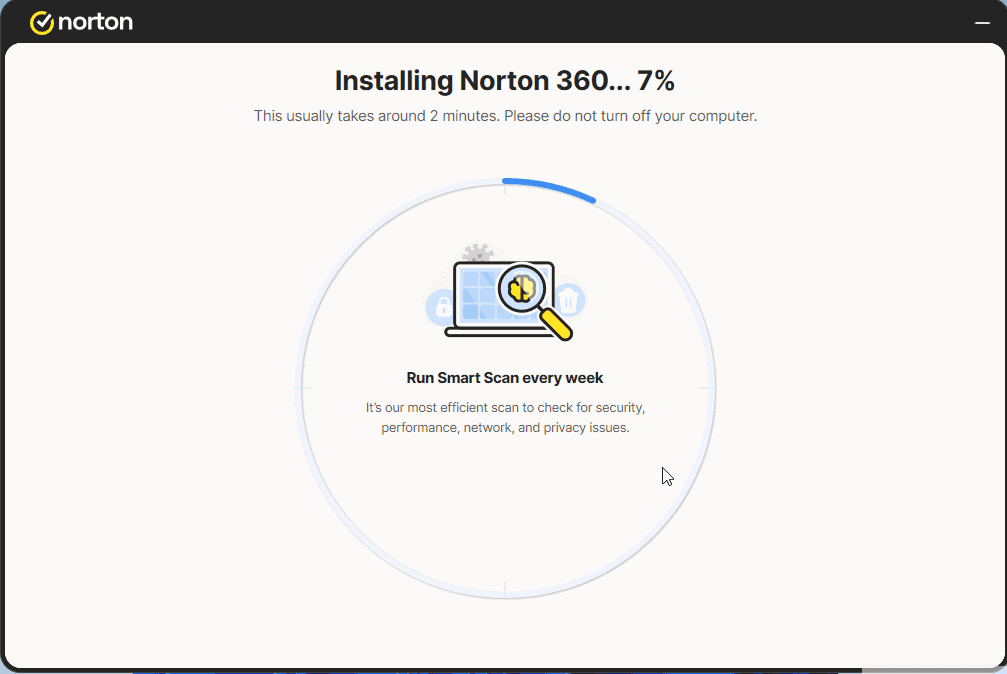
Select Start Setup and complete the 4 steps. Sign in if prompted.
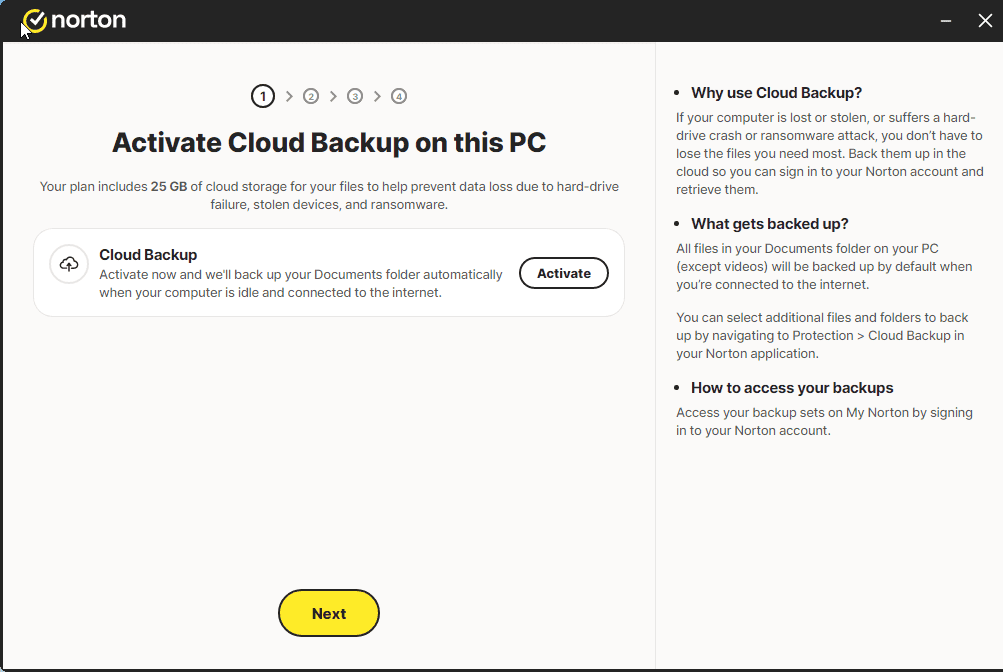
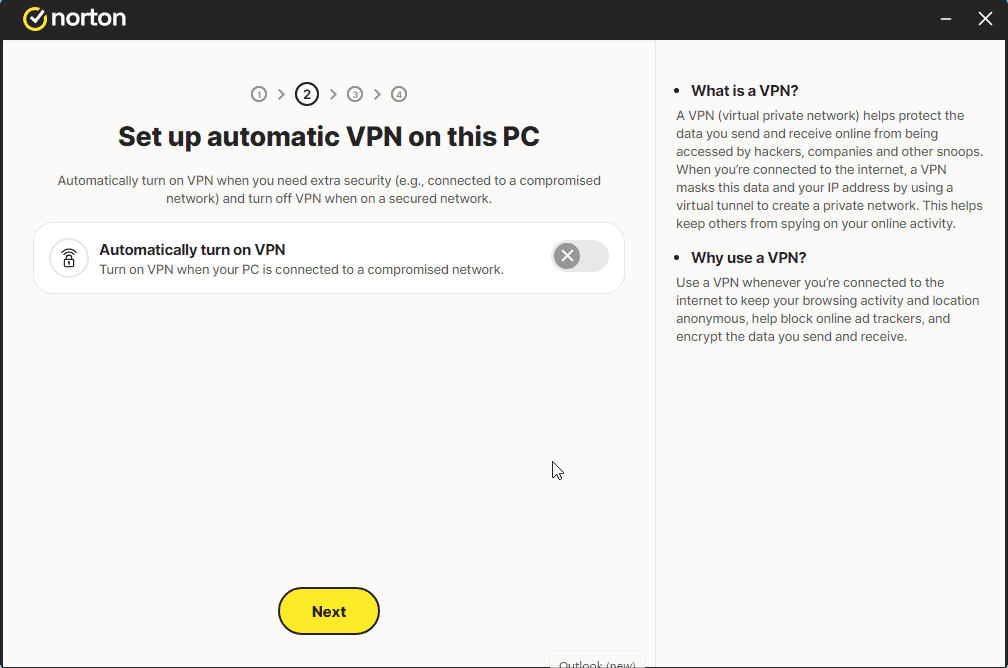
A message similar to the one shown in the image should appear:
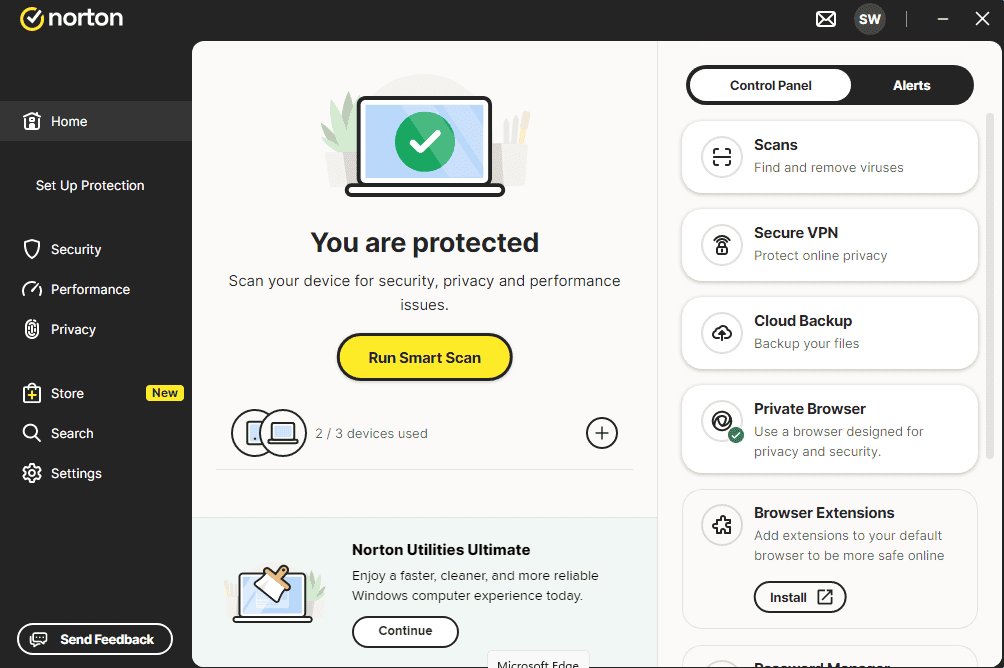
You can now run a Smart Scan
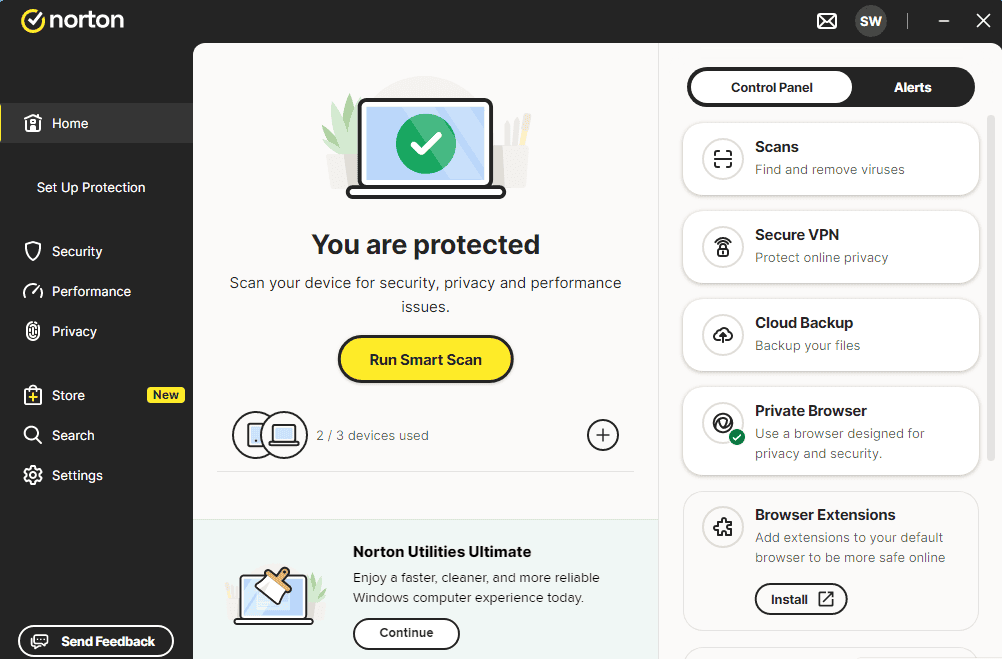
Aktiver lisensen din
Følg disse 4 korte trinnene — hele sekvensen tar under to minutter.
Deretter må du godkjenne at årsabonnementet fornyes med kredittkortet ditt. Fyll ut feltene nedenfor med kortopplysningene dine:
Velg språk
Installasjonsmedieen er tilgjengelig på 1 språk. Hvert er originalmediet — bare grensesnittspråket er forhåndsinnstilt.

Ofte stilte spørsmål
Må jeg avinstallere annet antivirus først?
+
Ja — å kjøre to antivirus-pakker samtidig forårsaker konflikter, falske positiver og treghet. Avinstaller eksisterende antivirus (inkl. forhåndsinstallerte prøveversjoner) og start på nytt før du installerer den nye.
Hvor mange enheter dekker én lisens?
+
Avhenger av pakken: "5 enheter"-lisenser aktiverer fem PC-er/Mac-er/telefoner, "Ubegrenset"-lisenser har ingen enhetsbegrensning. Hver enhet trenger bare være pålogget med samme konto.
Bremser antivirus PC-en min?
+
Moderne antivirus-pakker er laget for å kjøre i bakgrunnen med minimal påvirkning. Den første fulle skanningen etter installasjon tar tid og bruker CPU, men senere skanninger er inkrementelle og knapt merkbare på moderne maskinvare.
Trenger du hjelp?
Microsoft tilbyr ikke lenger telefonaktivering
Note: Keep your device connected to the Internet during installation so activation goes smoothly. If something goes wrong or you have questions, please get in touch with the support team of the store you bought the product from.
Filer lagres på vårt sikre CDN. Klikk Last ned for å starte.