
Norton 360 Deluxe Installationsguide
Den här gratis steg-för-steg-guiden hjälper dig att ladda ner, installera och aktivera Norton 360 Deluxe — med riktiga skärmbilder vid varje steg, på 12 språk.
Hämta installationsprogrammet
Ladda ner önskad version med följande nedladdningslänk.
Tillgänglig på 1 språk —
Läs detta mycket noggrant
- 1 gigahertz (GHz) eller snabbare 32-bitars (x86) eller 64-bitars (x64) processor
- 1 gigabyte (GB) RAM-minne (32 bit) eller 4 GB RAM-minne (64 bit)
- 4 GB ledigt utrymme på hårddisken
- DirectX 9-grafikenhet med WDDM 1.0 eller högre drivrutin
Steg-för-steg-installation
Before you begin: you receive a product key after buying the Norton product.
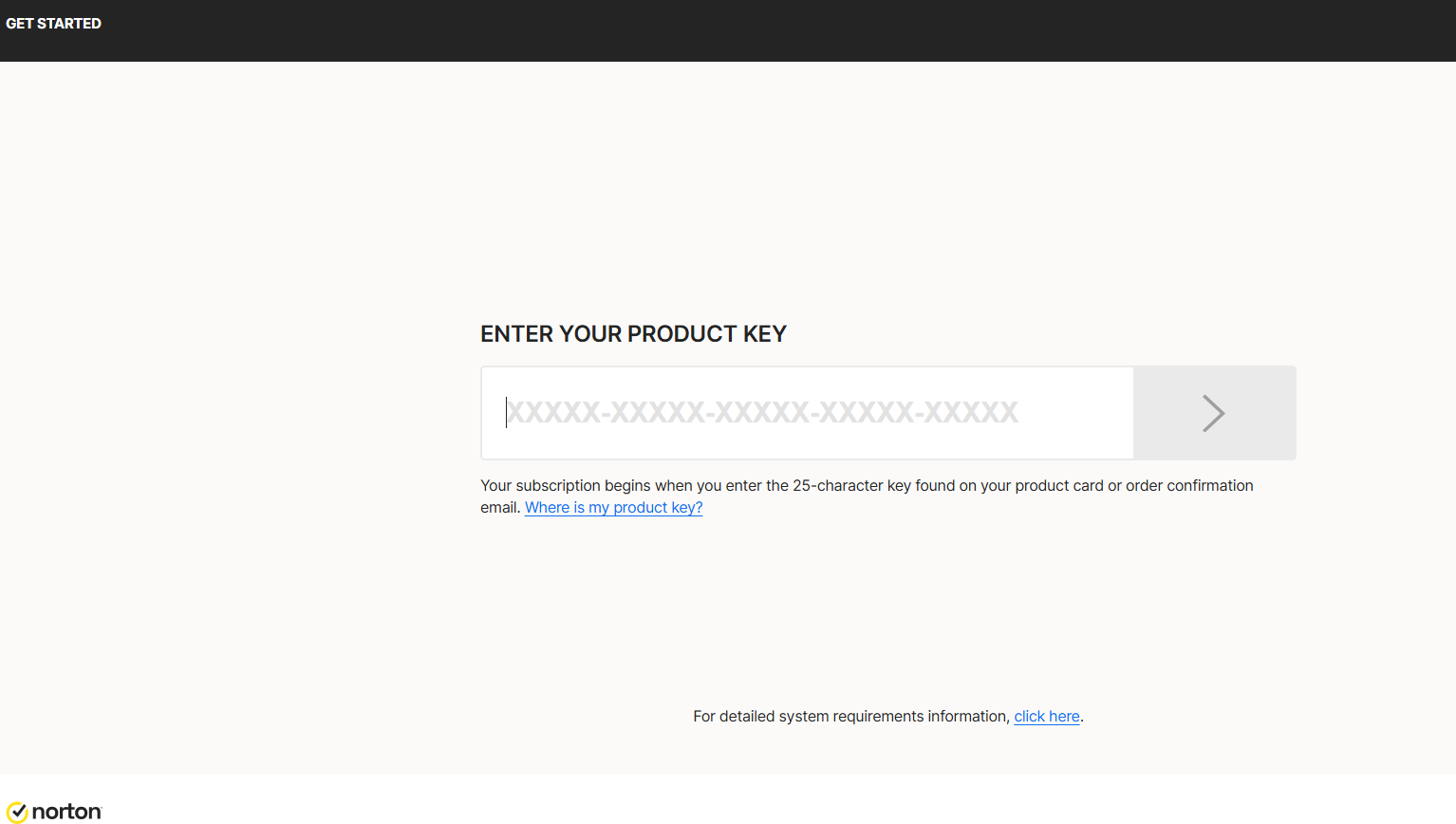
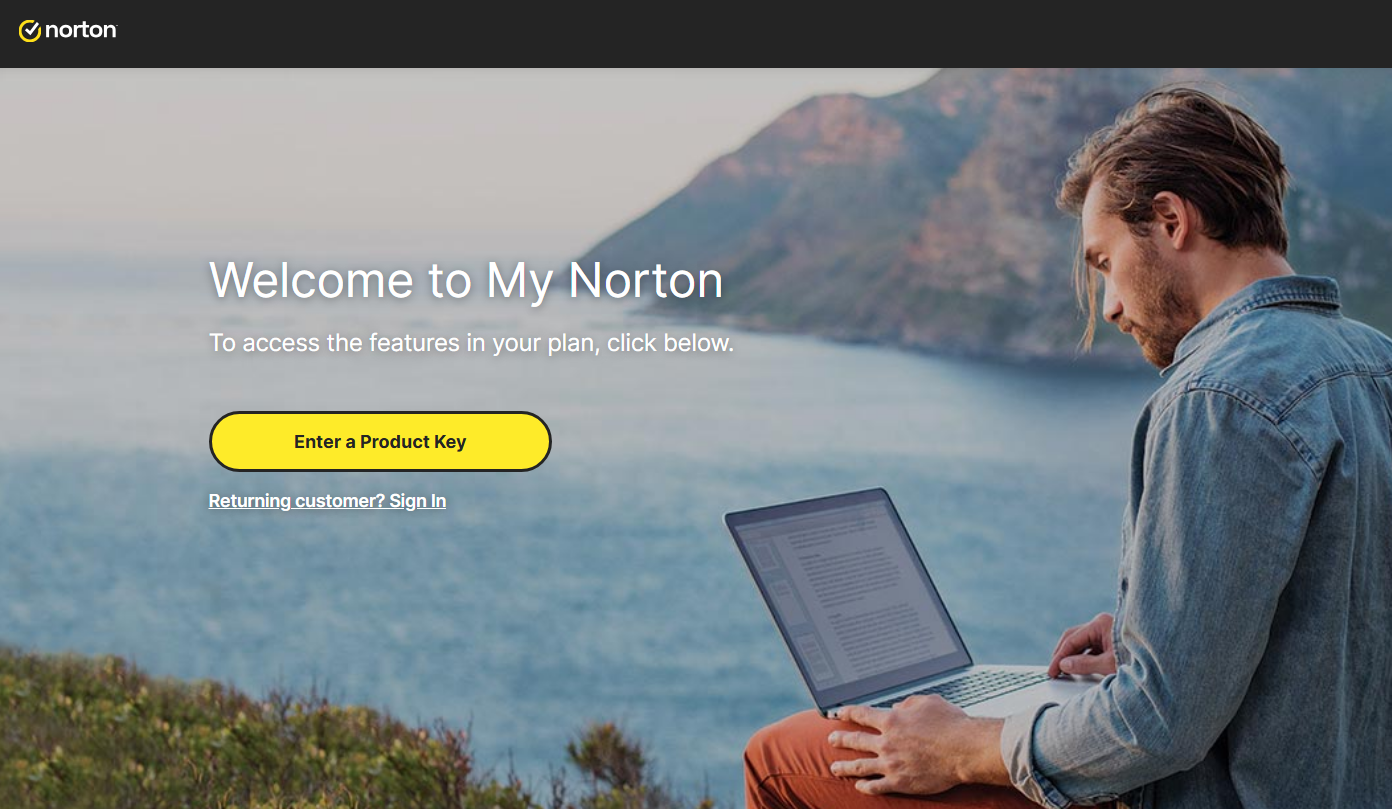
To download Norton, visit https://norton.com/setup , which takes you to https://my.norton.com/home/setup where you sign in. If you have no account yet, create one first. You may already be signed in from when you made your purchase.
Next, authorize the yearly subscription to renew using your credit card. Fill in your card details in the fields below:
With this step you approve the subscription charge and its automatic renewal. Finish by selecting Start subscription.
Download the installer, then run it:
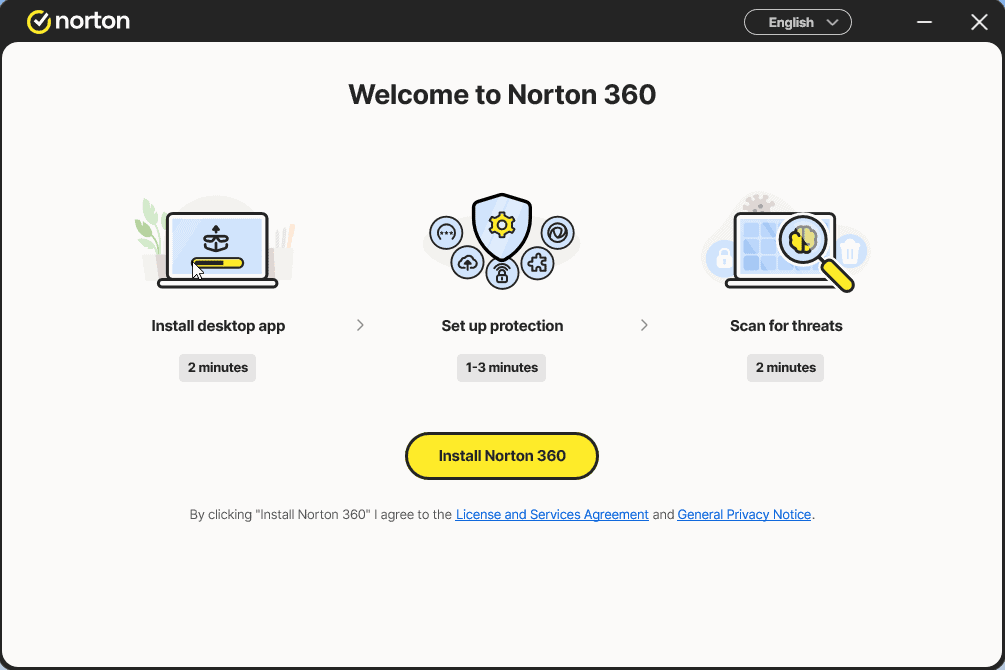
Install the app and sign in to it once more
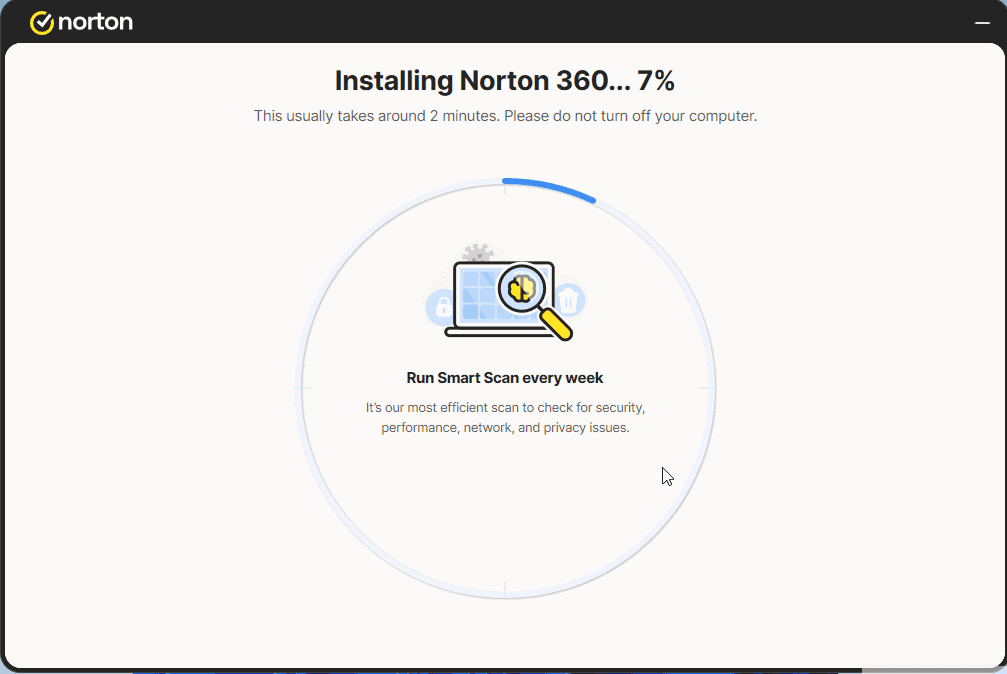
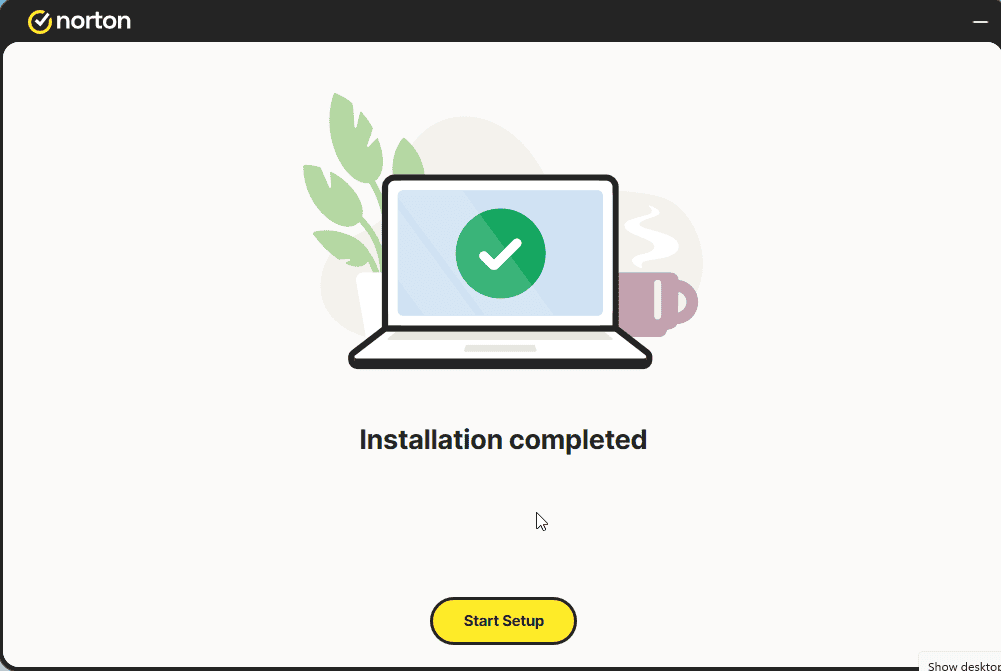
Select Start Setup and complete the 4 steps. Sign in if prompted.
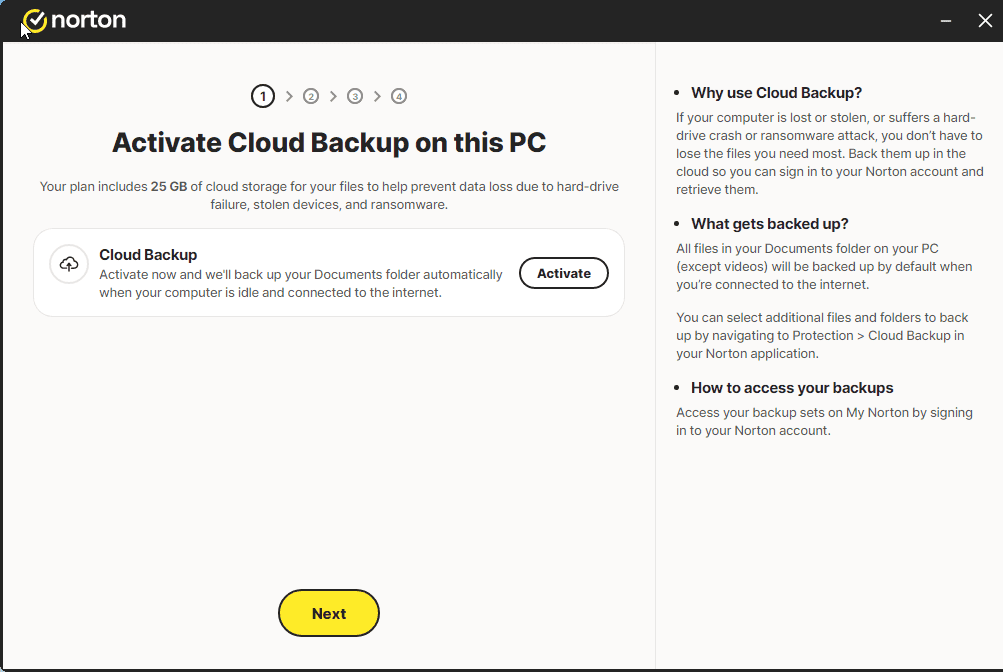
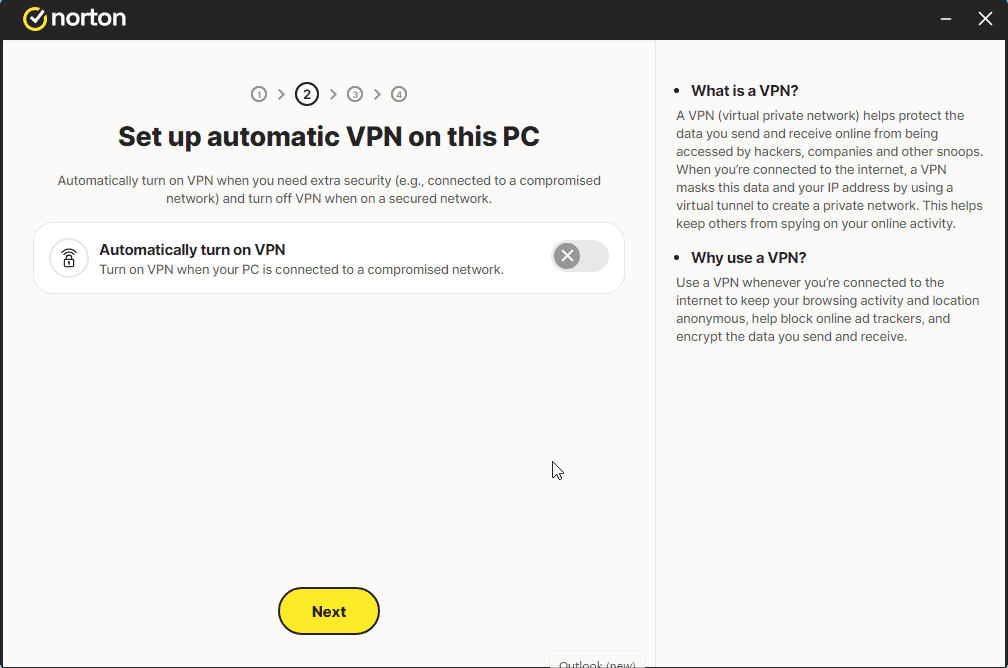
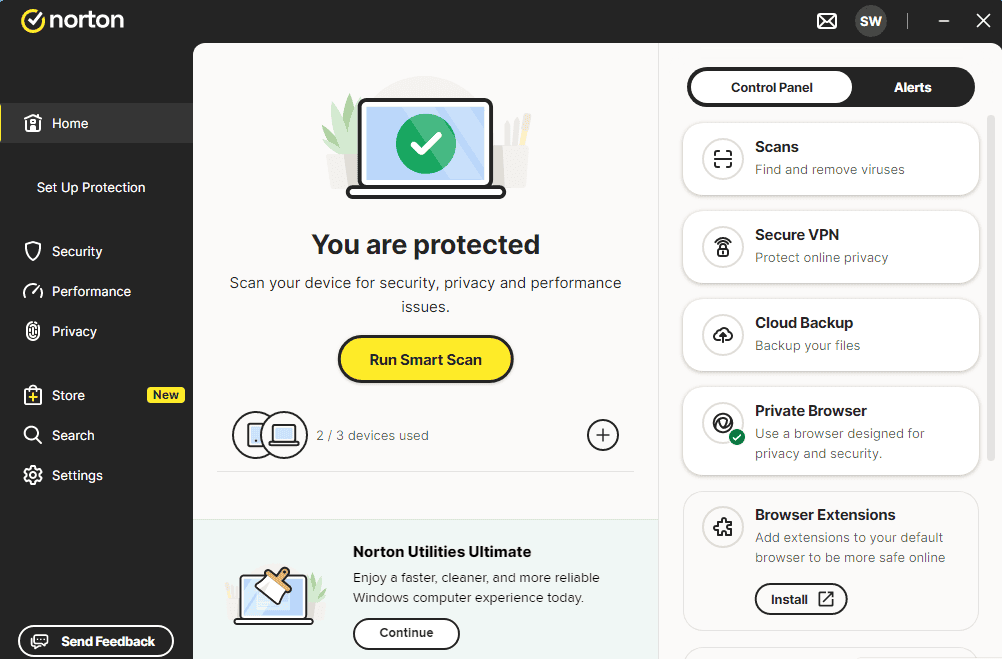
A message similar to the one shown in the image should appear:
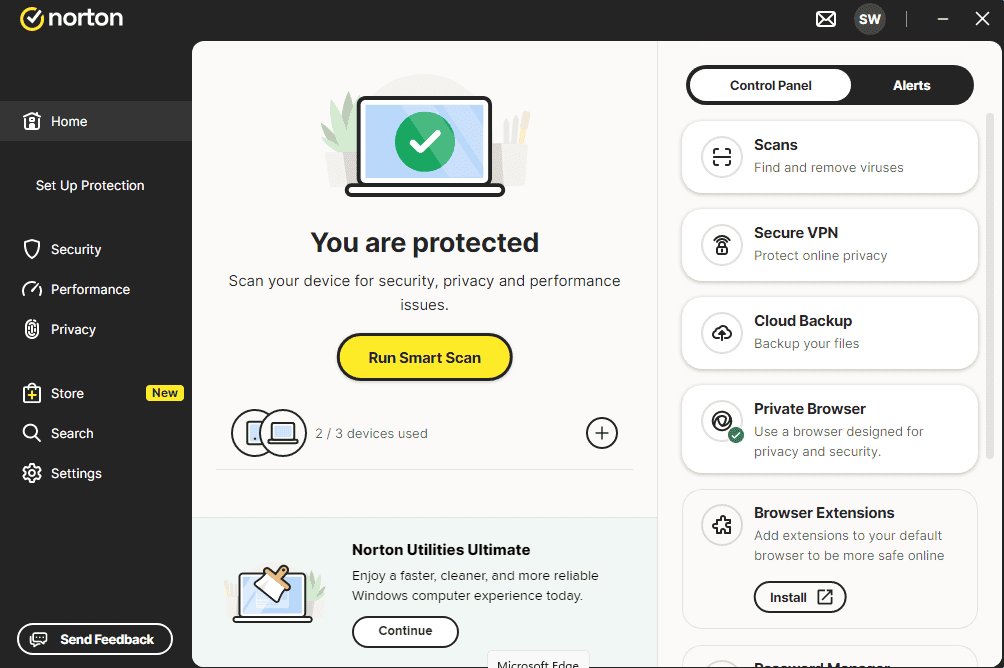
You can now run a Smart Scan
Aktivera din licens
Följ dessa 4 korta steg — hela sekvensen tar mindre än två minuter.
Därefter behöver du godkänna att årsprenumerationen förnyas via ditt kreditkort. Fyll i kortuppgifterna i fälten nedan:
Välj ditt språk
Installationsmedierna är tillgängliga på 1 språk. Var och en är det ursprungliga mediet — bara gränssnittsspråket är förinställt.

Vanliga frågor
Behöver jag avinstallera annan antivirus först?
+
Ja — att köra två antivirussviter samtidigt orsakar konflikter, falska positiva och prestandaproblem. Avinstallera all befintlig antivirus (inkl. förinstallerade provversioner) och starta om före du installerar den nya.
Hur många enheter täcker en licens?
+
Beror på paketet: "5 enheter"-licenser aktiverar fem PC:s/Mac:s/telefoner, "Obegränsat"-licenser har inget enhetstak. Varje enhet behöver bara vara inloggad på samma konto.
Saktar antivirus ner min PC?
+
Moderna antivirussviter är gjorda för att köras i bakgrunden med minimal påverkan. Den första fullständiga skanningen efter installation tar tid och CPU, men efterföljande skanningar är inkrementella och knappt märkbara på modern hårdvara.
Behöver du hjälp?
Microsoft erbjuder inte längre telefonaktivering
Note: Keep your device connected to the Internet during installation so activation goes smoothly. If something goes wrong or you have questions, please get in touch with the support team of the store you bought the product from.
Filer lagras på vårt säkra CDN. Klicka på Ladda ned för att börja.