
Norton 360 Deluxe Installationsvejledning
Denne gratis trin-for-trin-guide hjælper dig med at downloade, installere og aktivere Norton 360 Deluxe — med rigtige skærmbilleder ved hvert trin, på 12 sprog.
Hent installationsprogrammet
Download den ønskede version med følgende downloadlink.
Tilgængelig på 1 sprog —
Læs dette meget omhyggeligt
- 1 gigahertz (GHz) eller hurtigere 32-bit (x86) eller 64-bit (x64) processor
- 1 gigabyte (GB) RAM (32 bit) eller 4 GB RAM (64 bit)
- 4 GB ledig plads på harddisken
- DirectX 9-grafikenhed med WDDM 1.0 eller højere driver
Trin-for-trin installation
Before you begin: you receive a product key after buying the Norton product.
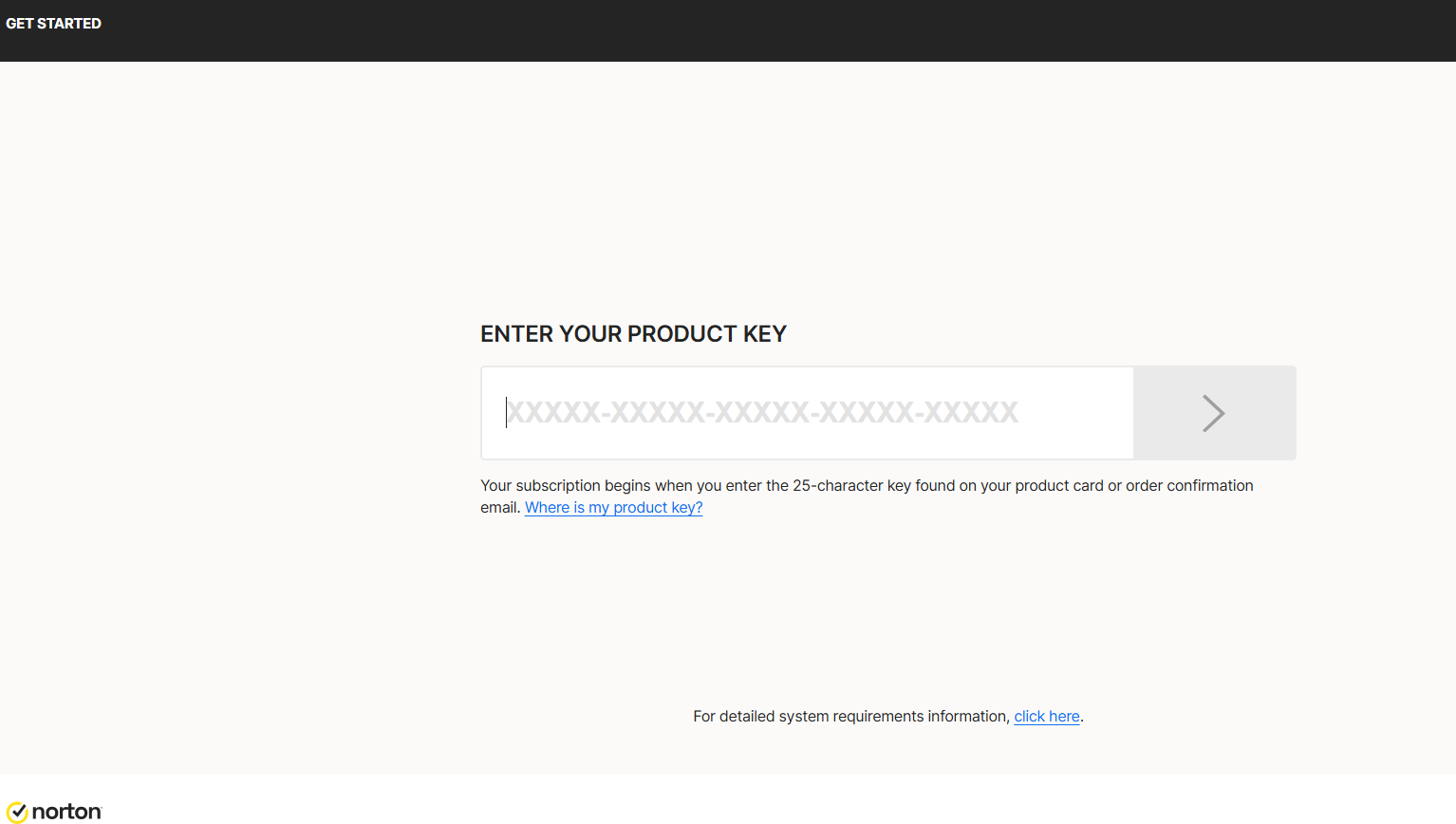
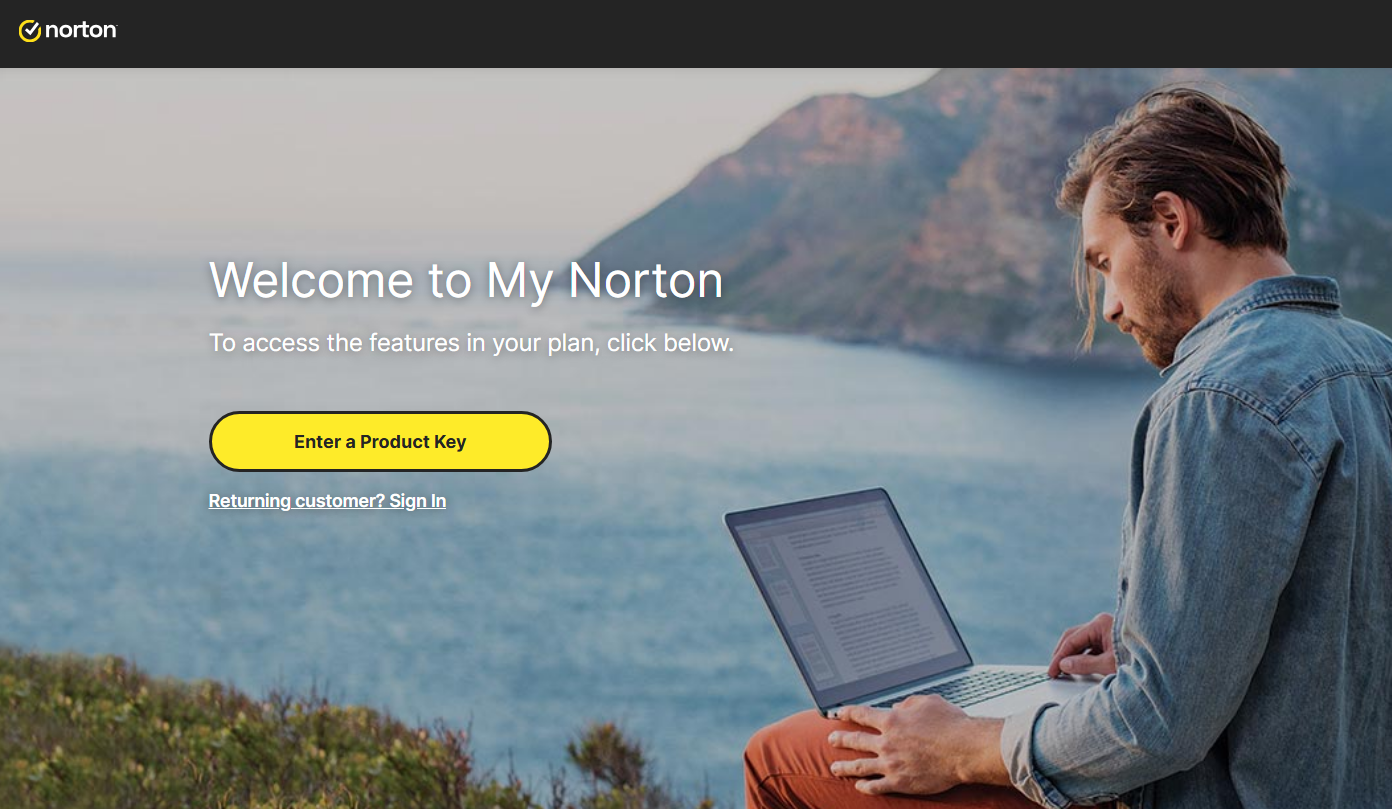
To download Norton, visit https://norton.com/setup , which takes you to https://my.norton.com/home/setup where you sign in. If you have no account yet, create one first. You may already be signed in from when you made your purchase.
Next, authorize the yearly subscription to renew using your credit card. Fill in your card details in the fields below:
With this step you approve the subscription charge and its automatic renewal. Finish by selecting Start subscription.
Download the installer, then run it:
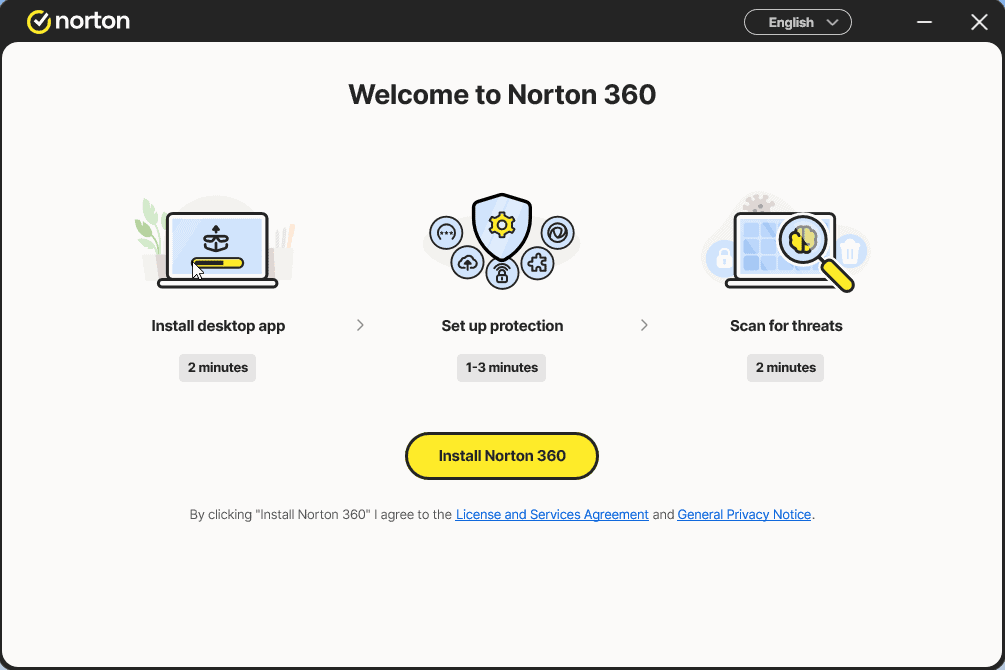
Install the app and sign in to it once more
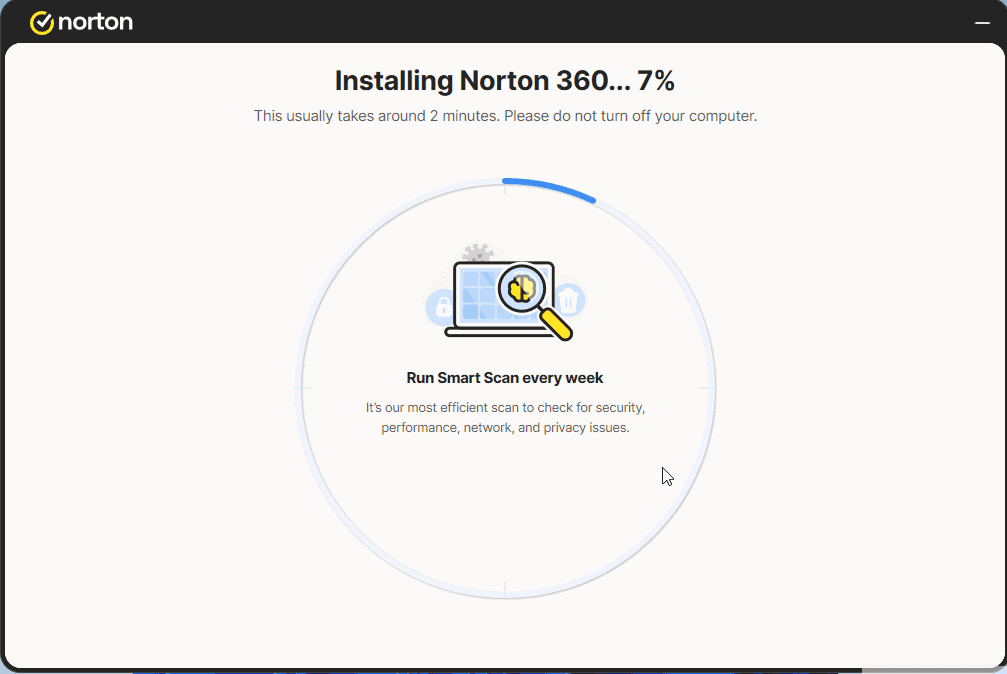
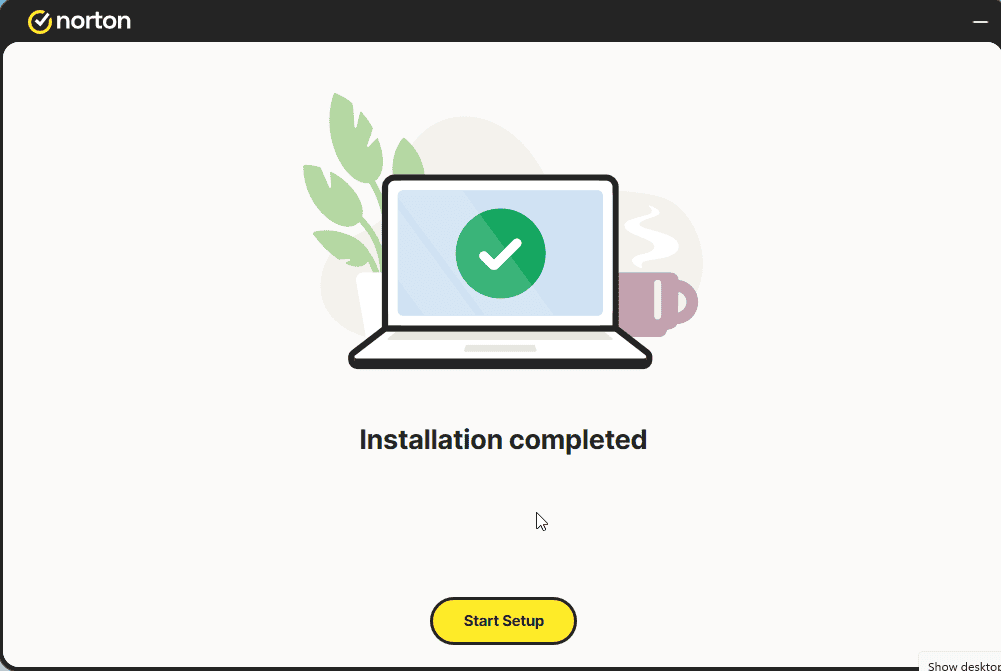
Select Start Setup and complete the 4 steps. Sign in if prompted.
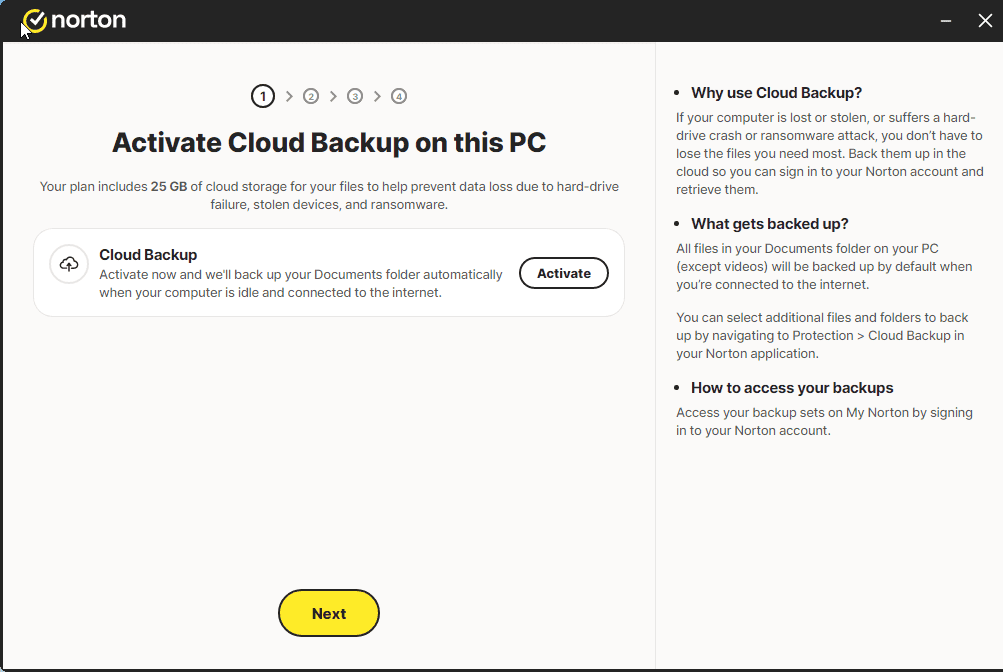
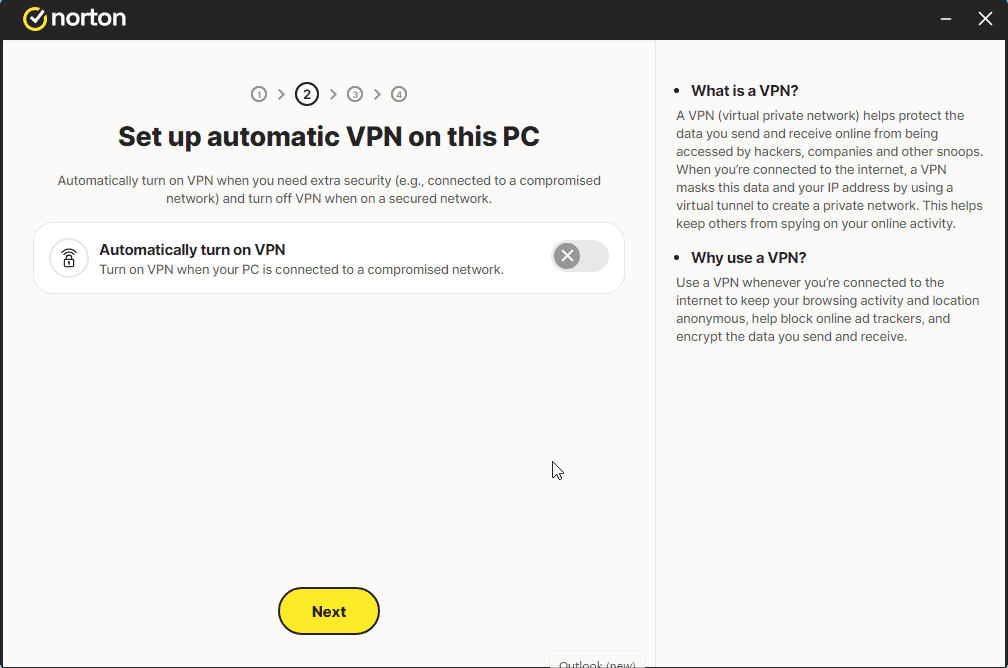
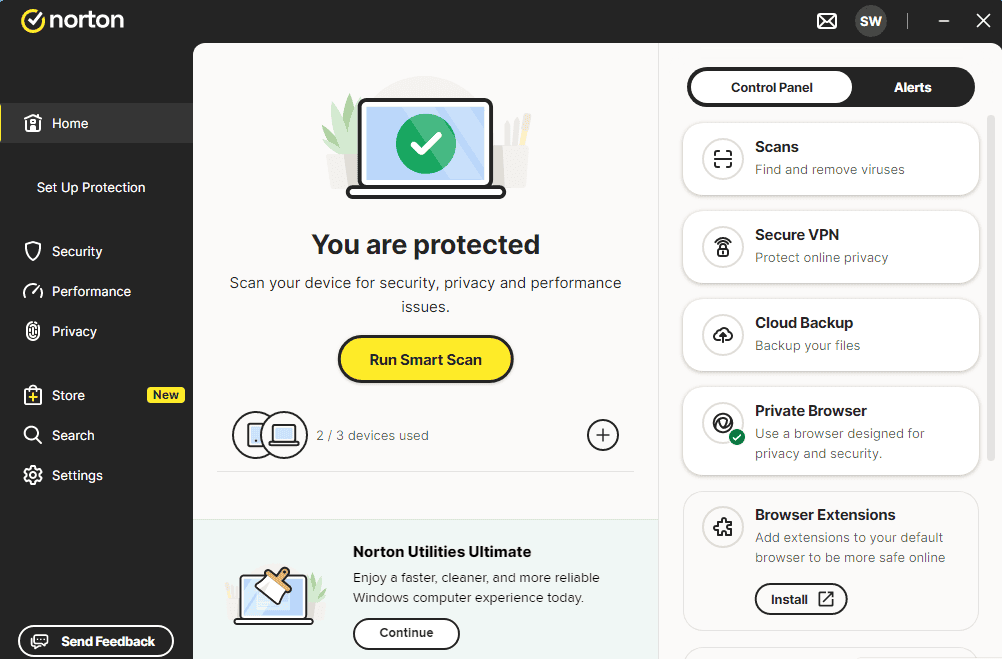
A message similar to the one shown in the image should appear:
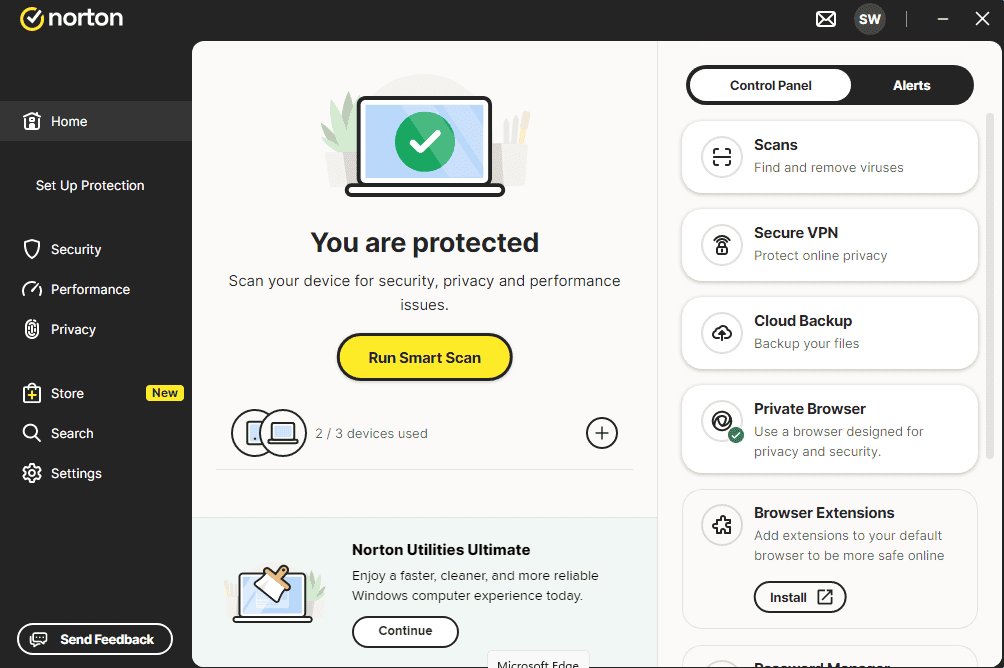
You can now run a Smart Scan
Aktivér din licens
Følg disse 4 korte trin — hele sekvensen tager under to minutter.
Herefter skal du give tilladelse til, at det årlige abonnement fornyes via dit kreditkort. Udfyld felterne nedenfor med dine kreditkortoplysninger:
Vælg dit sprog
Installationsmediet er tilgængeligt på 1 sprog. Hvert er det originale medie — kun grænsefladsproget er forudindstillet.

Ofte stillede spørgsmål
Skal jeg afinstallere anden antivirus først?
+
Ja — at køre to antivirus-pakker samtidig forårsager konflikter, falske positiver og langsommere ydeevne. Afinstaller eksisterende antivirus (inkl. forhåndsindlæste prøveversioner) og genstart før du installerer den nye.
Hvor mange enheder dækker én licens?
+
Afhænger af pakken: "5 enheder"-licenser aktiverer fem PC'er/Mac'er/telefoner, "Ubegrænset"-licenser har ingen enhedsgrænse. Hver enhed skal blot være logget på samme konto.
Gør et antivirus min PC langsommere?
+
Moderne antivirus-pakker er designet til at køre i baggrunden med minimal påvirkning. Den første fulde scan efter installation tager tid og bruger CPU, men efterfølgende scans er inkrementelle og næsten umærkelige på moderne hardware.
Brug for hjælp?
Microsoft tilbyder ikke længere telefonaktivering
Note: Keep your device connected to the Internet during installation so activation goes smoothly. If something goes wrong or you have questions, please get in touch with the support team of the store you bought the product from.
Filer er hostet på vores sikre CDN. Klik på Download for at starte.