
Norton 360 Deluxe Installatiegids
Deze gratis stap-voor-stap handleiding helpt je Norton 360 Deluxe te downloaden, installeren en activeren — met echte screenshots bij elke stap, in 12 talen.
Installer downloaden
Download de gewenste versie via de volgende downloadlink.
Beschikbaar in 1 talen —
Lees dit zeer zorgvuldig
- 1 gigahertz (GHz) of snellere 32-bits (x86) of 64-bits (x64) processor
- 1 gigabyte (GB) RAM (32 bit) of 4 GB RAM (64 bit)
- 4 GB beschikbare ruimte op de harde schijf
- DirectX 9 grafisch apparaat met WDDM 1.0 of hoger stuurprogramma
Stap-voor-stap installatie
Before you begin: you receive a product key after buying the Norton product.
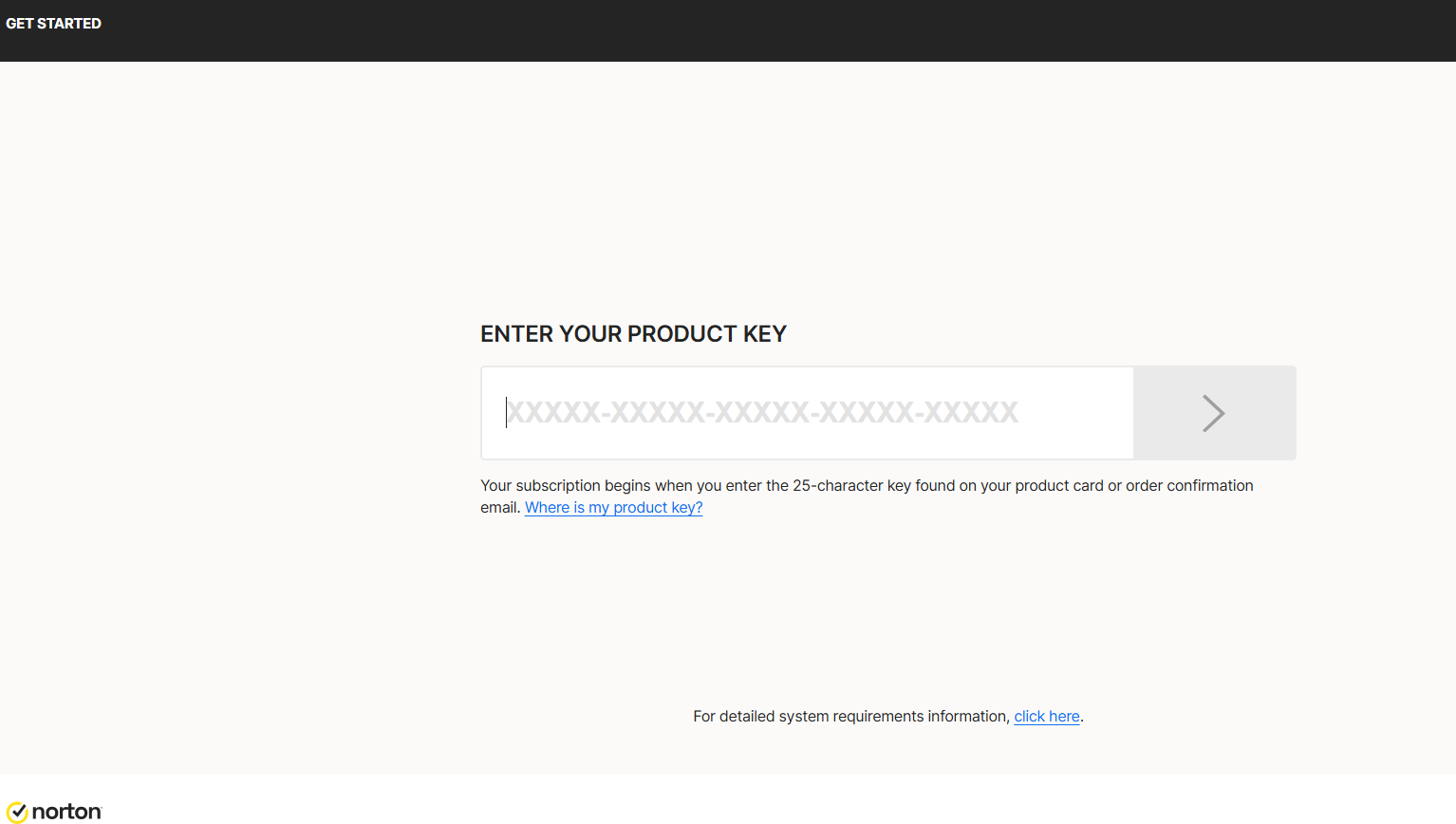
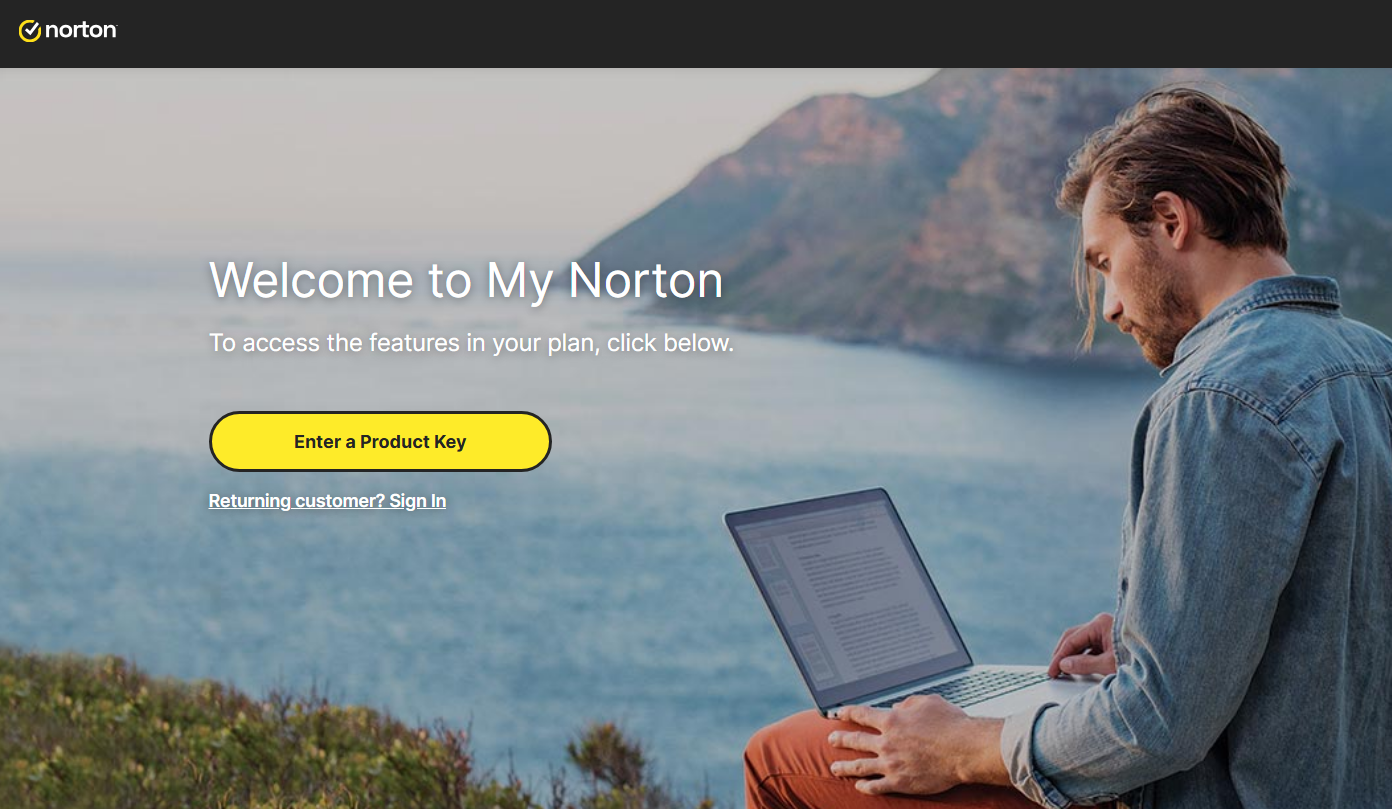
To download Norton, visit https://norton.com/setup , which takes you to https://my.norton.com/home/setup where you sign in. If you have no account yet, create one first. You may already be signed in from when you made your purchase.
Next, authorize the yearly subscription to renew using your credit card. Fill in your card details in the fields below:
With this step you approve the subscription charge and its automatic renewal. Finish by selecting Start subscription.
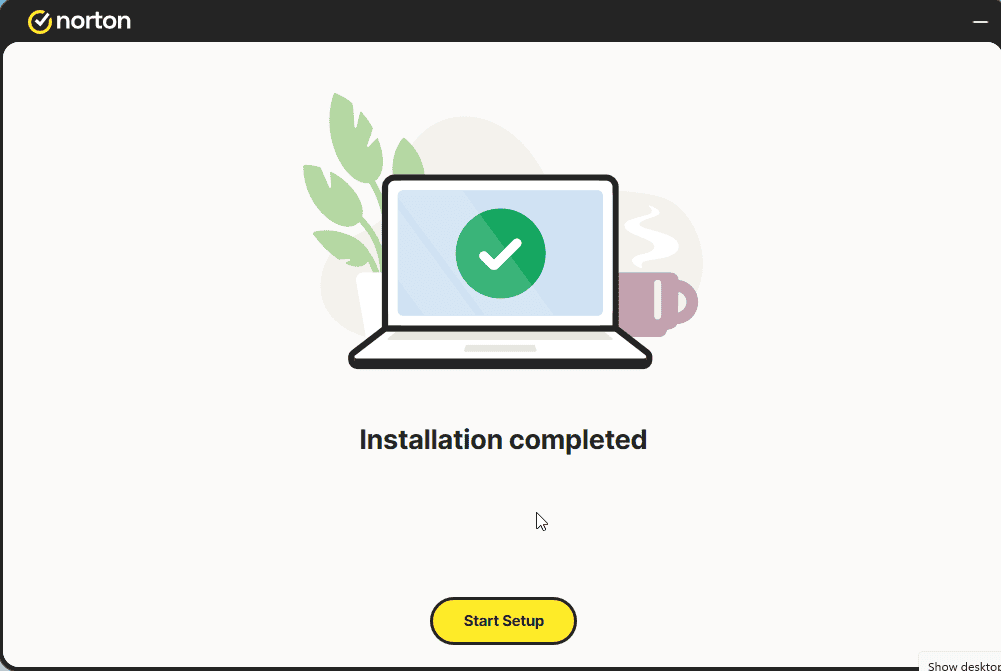
Download the installer, then run it:
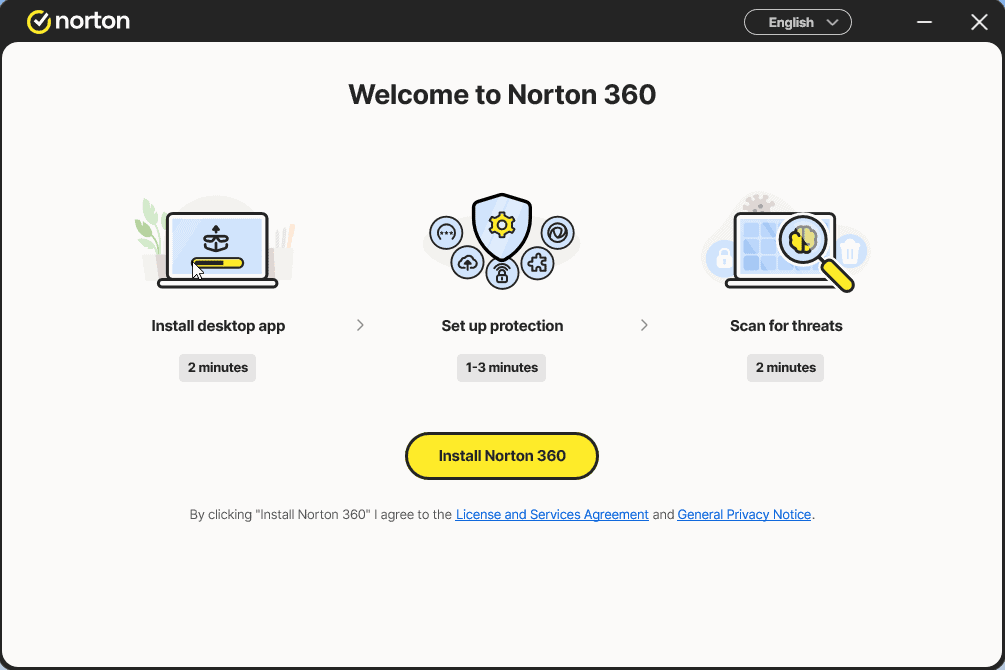
Install the app and sign in to it once more
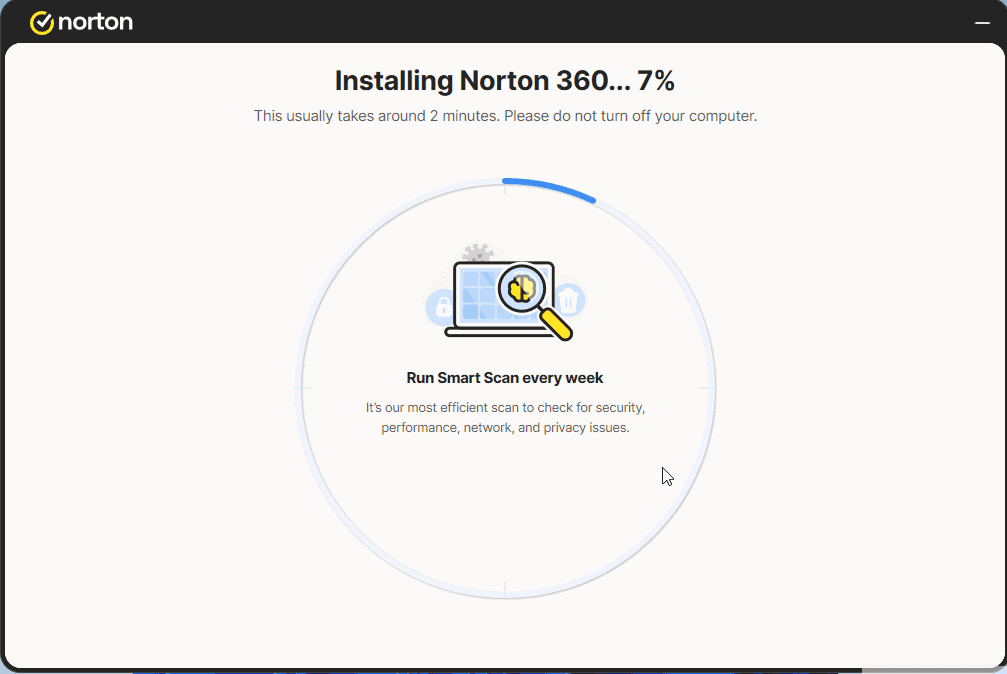
Select Start Setup and complete the 4 steps. Sign in if prompted.
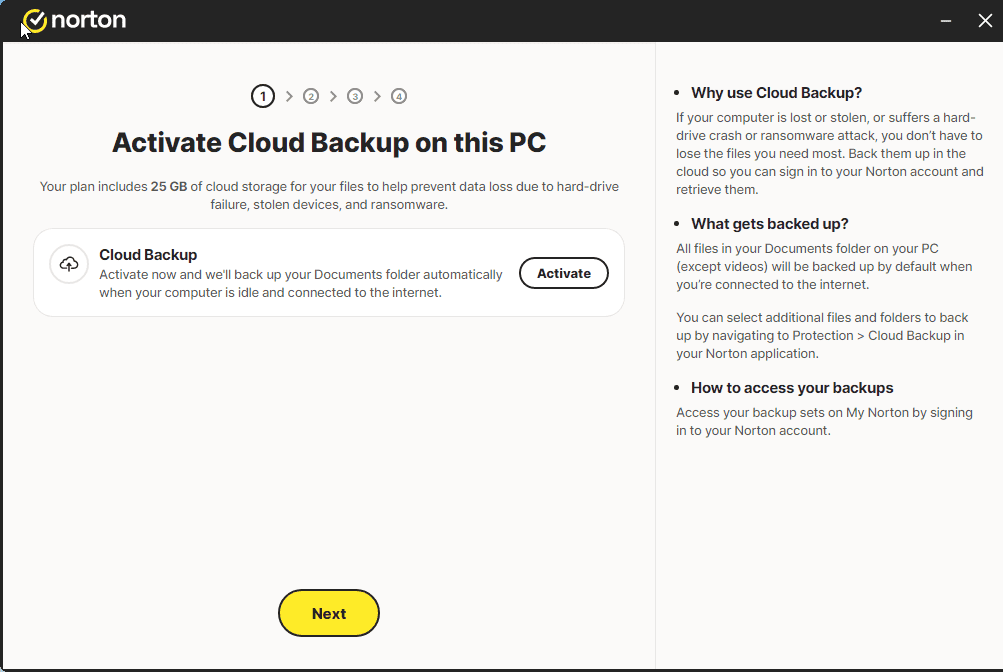
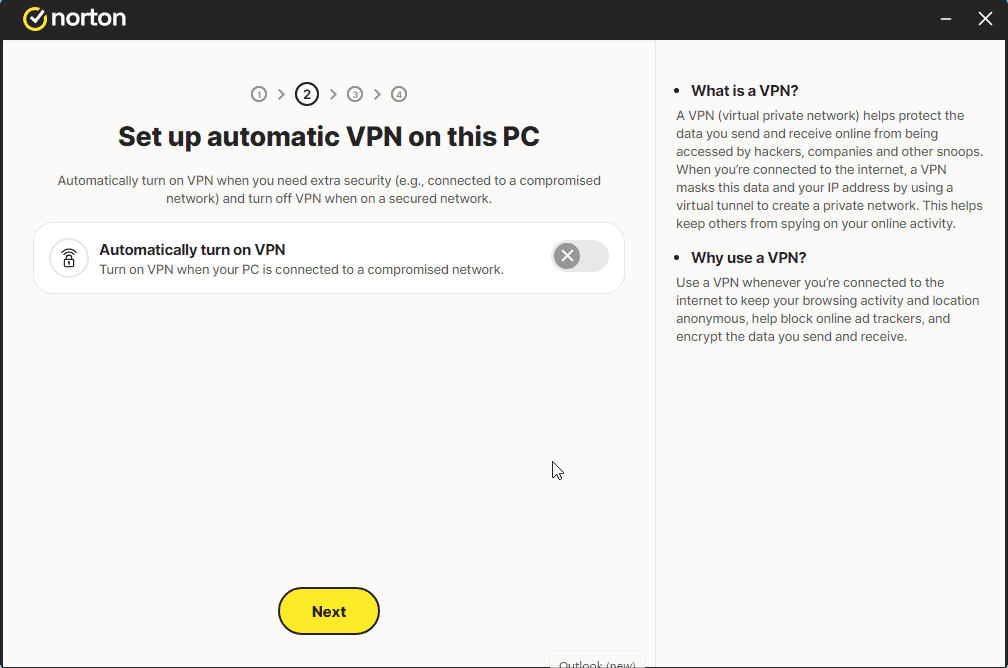
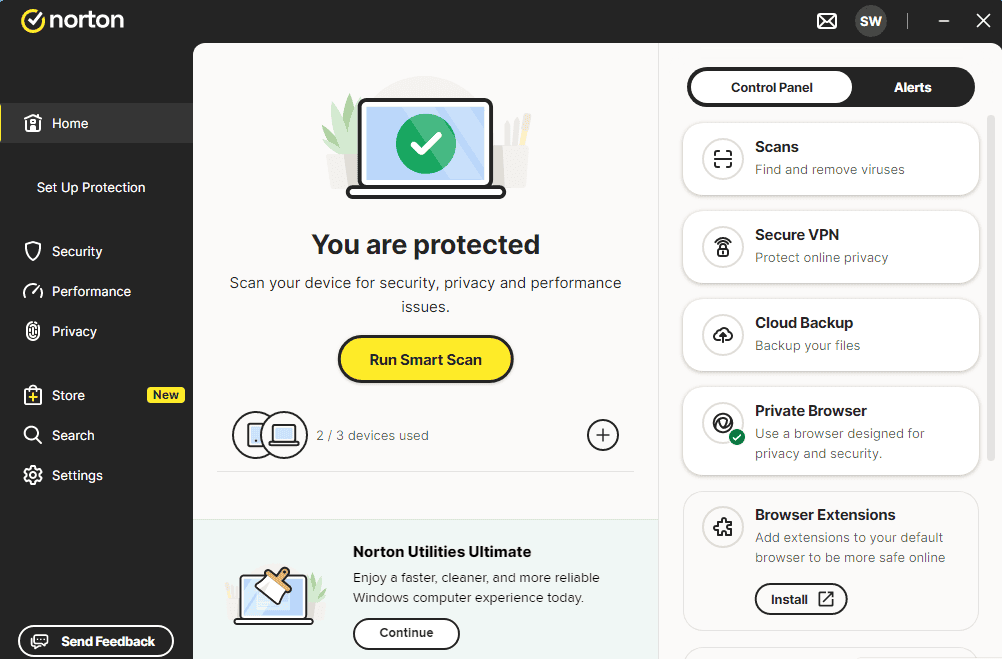
A message similar to the one shown in the image should appear:
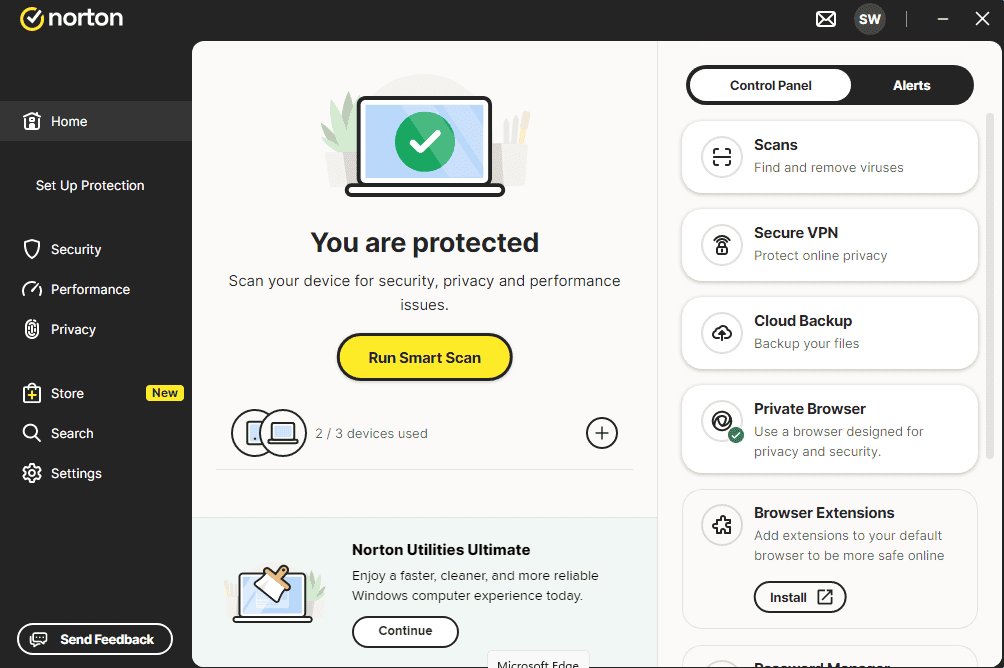
You can now run a Smart Scan
Activeer je licentie
Volg deze 4 korte stappen — de hele reeks duurt minder dan twee minuten.
Vervolgens geef je toestemming om het jaarabonnement via je creditcard te verlengen. Vul je kaartgegevens in de onderstaande velden in:
Kies je taal
De installatiemedia zijn beschikbaar in 1 talen. Elk is het originele medium — alleen de interfacetaal is vooringesteld.

Veelgestelde vragen
Moet ik andere antivirussoftware eerst verwijderen?
+
Ja — twee antivirusprogramma's tegelijk veroorzaken conflicten, valse meldingen en vertragingen. Verwijder bestaande antivirus (inclusief de voorgeïnstalleerde proefversies) en herstart voor je de nieuwe installeert.
Hoeveel apparaten dekt één licentie?
+
Hangt af van het pakket: "5 apparaten"-licenties activeren vijf pc's/Macs/telefoons, "Onbeperkt"-licenties hebben geen apparaatlimiet. Elk apparaat moet alleen aangemeld zijn met hetzelfde account.
Vertraagt een antivirus mijn pc?
+
Moderne antivirussuites draaien op de achtergrond met minimale impact. De eerste volledige scan na installatie duurt en gebruikt CPU, maar latere scans zijn incrementeel en nauwelijks merkbaar op moderne hardware.
Hulp nodig?
Microsoft biedt geen telefonische activering meer
Let op: houd je apparaat tijdens de installatie met internet verbonden, zodat de activering zonder problemen verloopt. Loop je tegen problemen aan of heb je vragen, neem dan contact op met de klantenservice van de winkel waar je het product hebt aangeschaft.
Bestanden worden gehost op ons beveiligde CDN. Klik op Downloaden om te beginnen.