
Norton 360 Deluxe Guia de instalação
Este guia gratuito passo a passo mostra como descarregar, instalar e ativar Norton 360 Deluxe — com capturas de ecrã reais em cada passo, em 12 idiomas.
Obter o instalador
Baixe a versão desejada com o seguinte link de download.
Disponível em 1 idiomas —
Leia isto com muita atenção
- Processador de 1 gigahertz (GHz) ou mais rápido de 32 bits (x86) ou 64 bits (x64)
- 1 gigabyte (GB) de RAM (32 bits) ou 4 GB de RAM (64 bits)
- 4 GB de espaço disponível no disco rígido
- Dispositivo gráfico DirectX 9 com controlador WDDM 1.0 ou superior
Instalação passo a passo
Before you begin: you receive a product key after buying the Norton product.
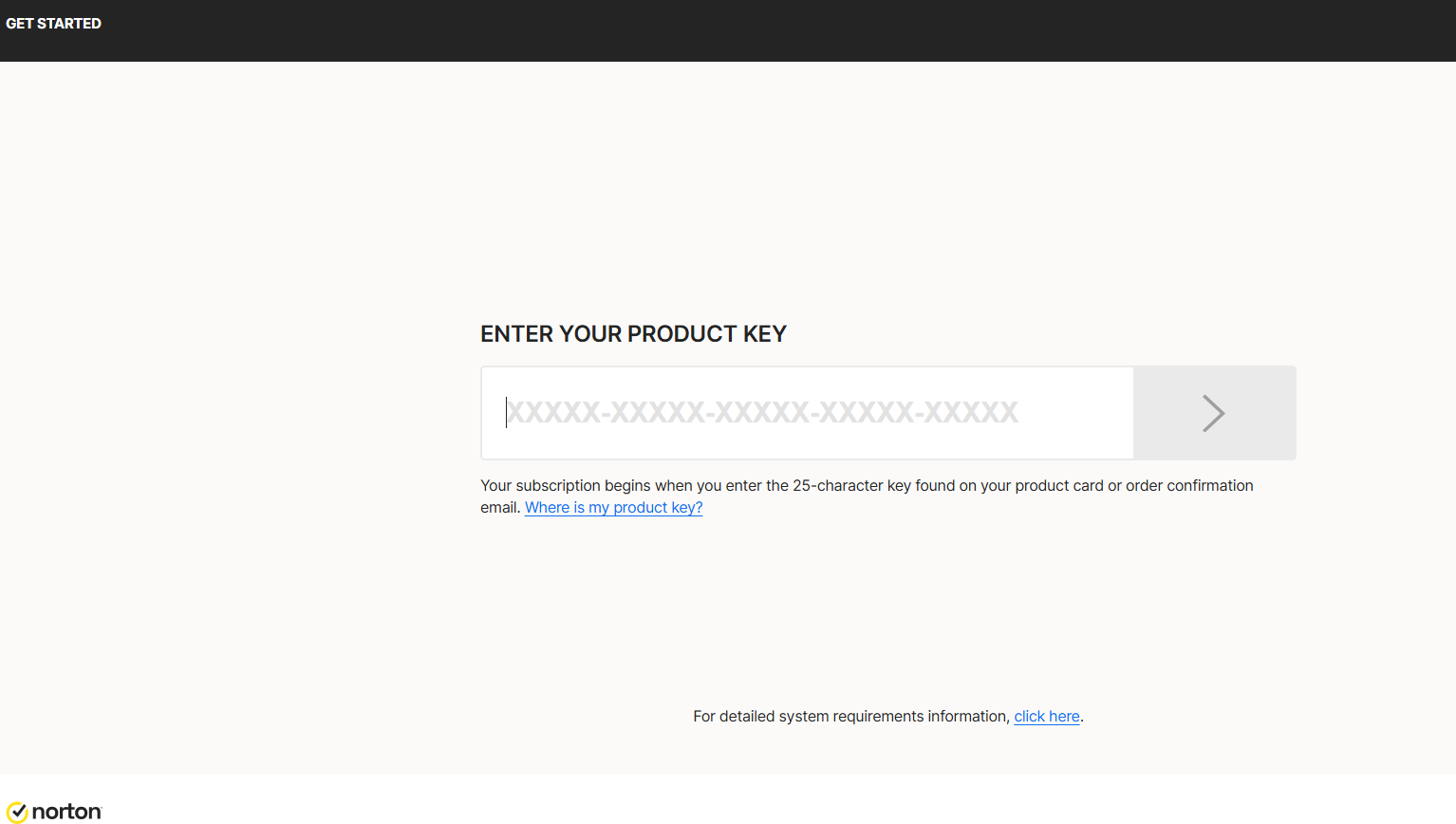
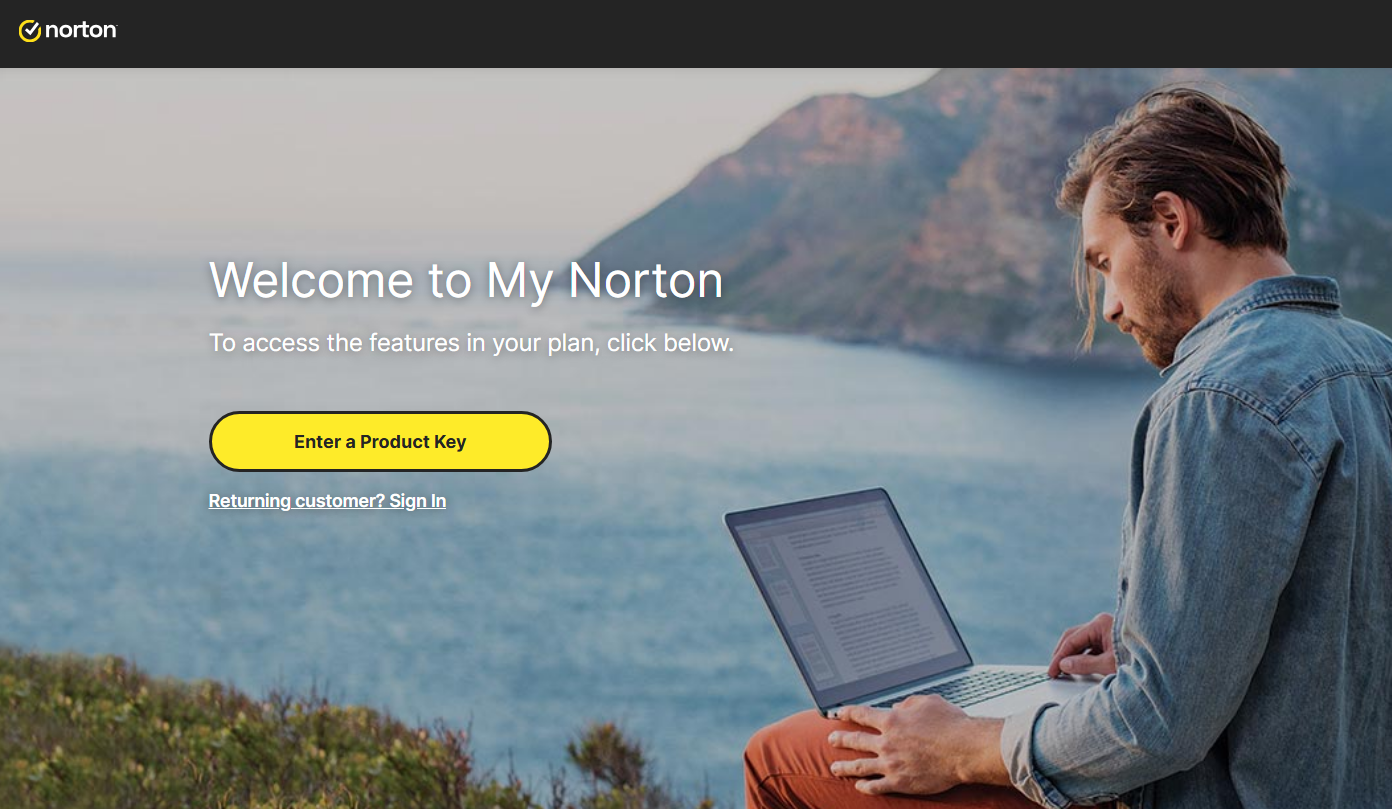
To download Norton, visit https://norton.com/setup , which takes you to https://my.norton.com/home/setup where you sign in. If you have no account yet, create one first. You may already be signed in from when you made your purchase.
Next, authorize the yearly subscription to renew using your credit card. Fill in your card details in the fields below:
With this step you approve the subscription charge and its automatic renewal. Finish by selecting Start subscription.
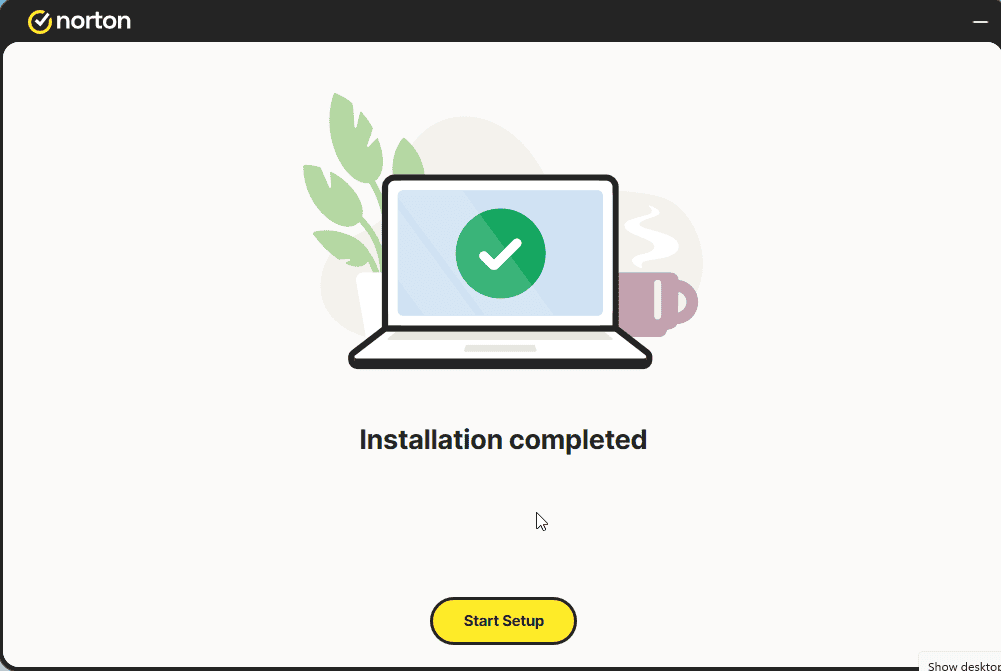
Download the installer, then run it:
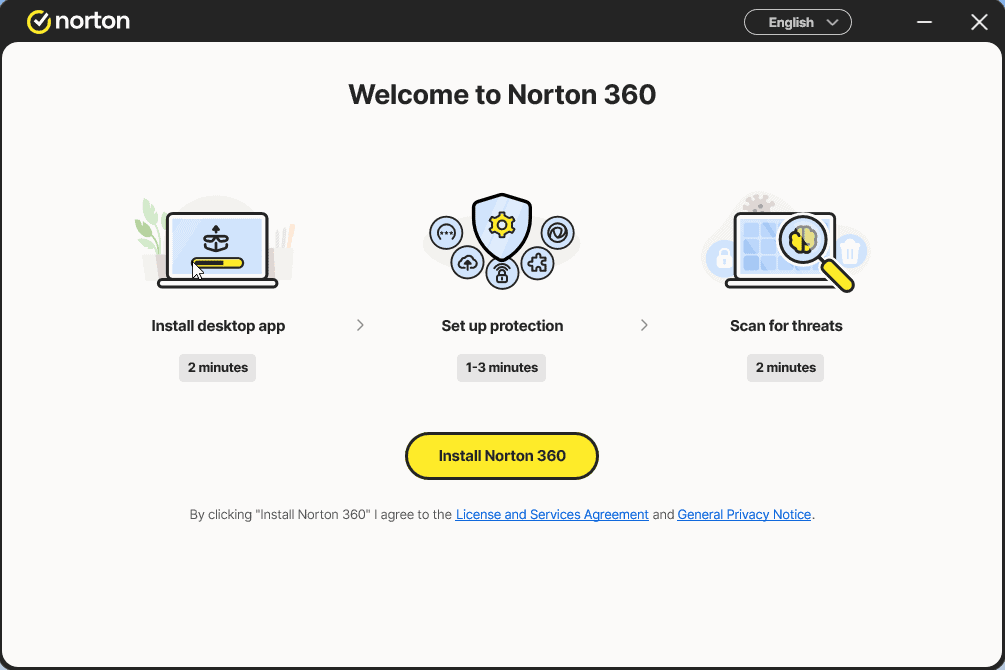
Install the app and sign in to it once more
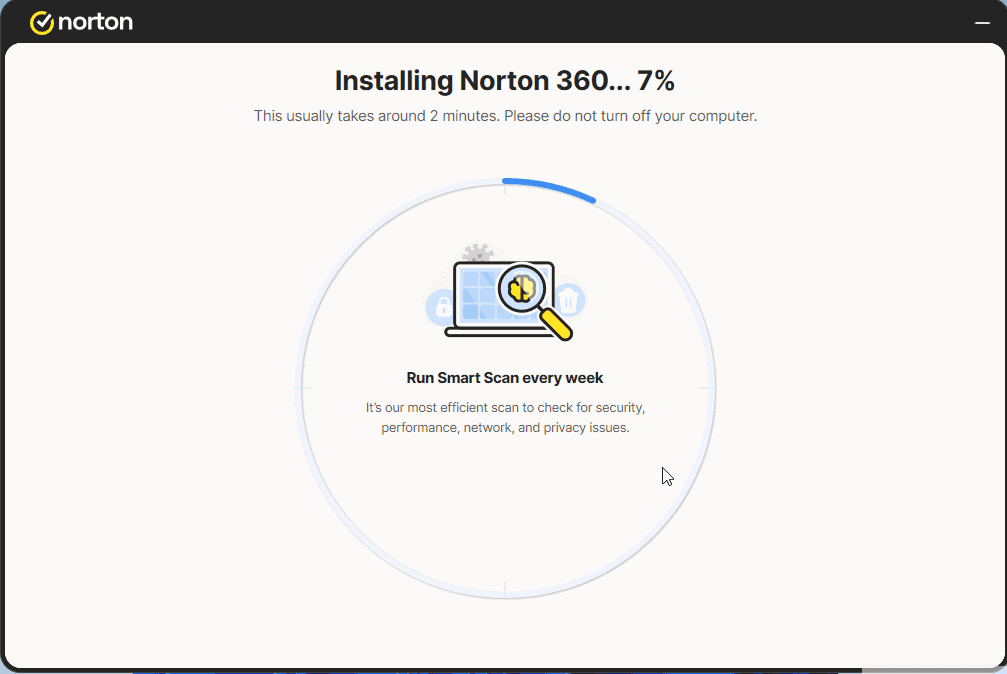
Select Start Setup and complete the 4 steps. Sign in if prompted.
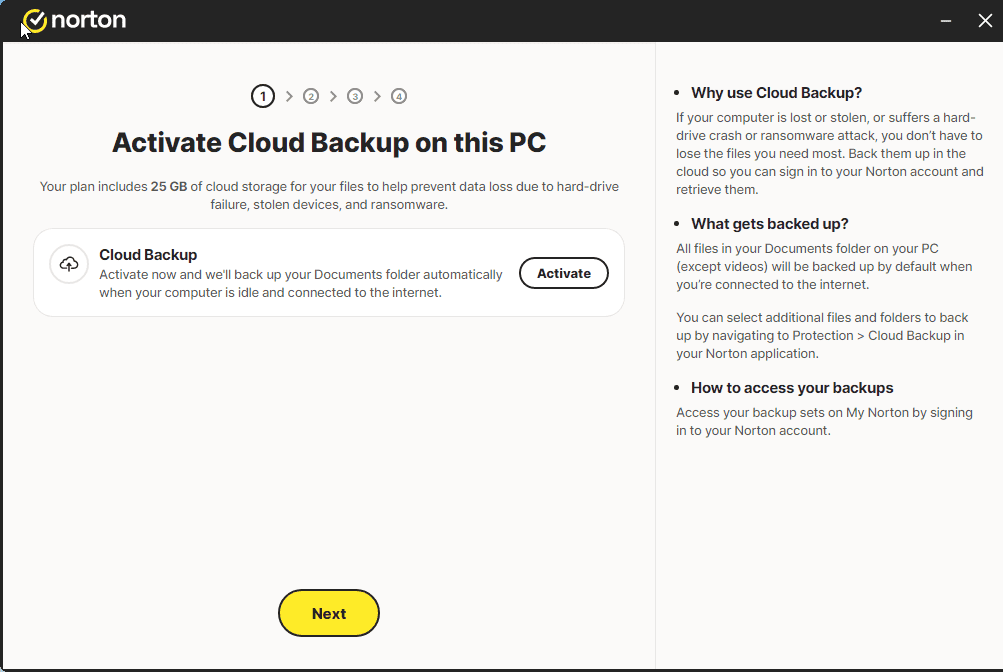
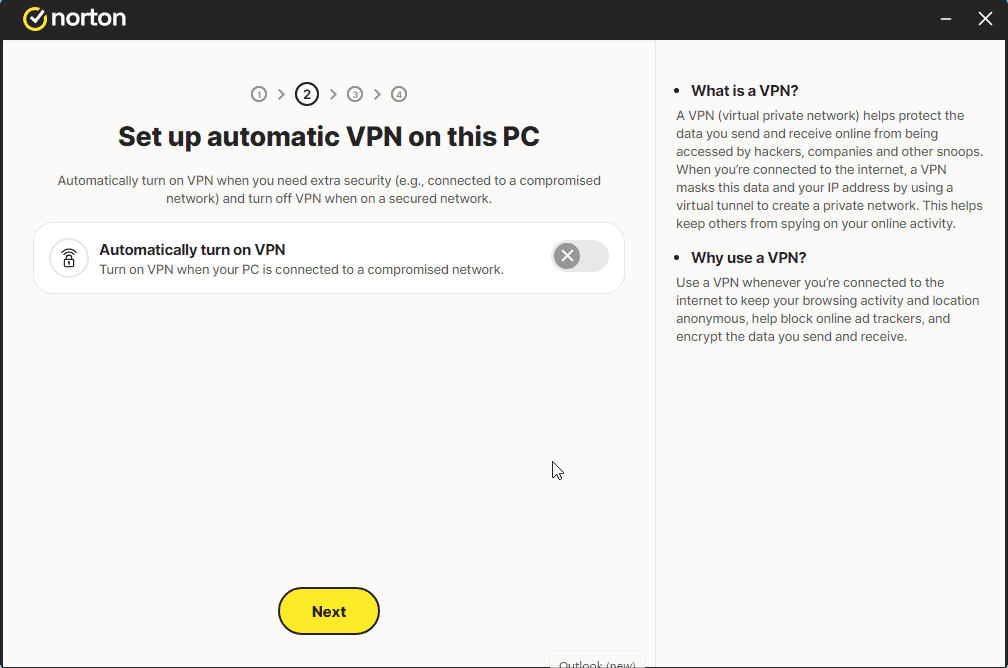
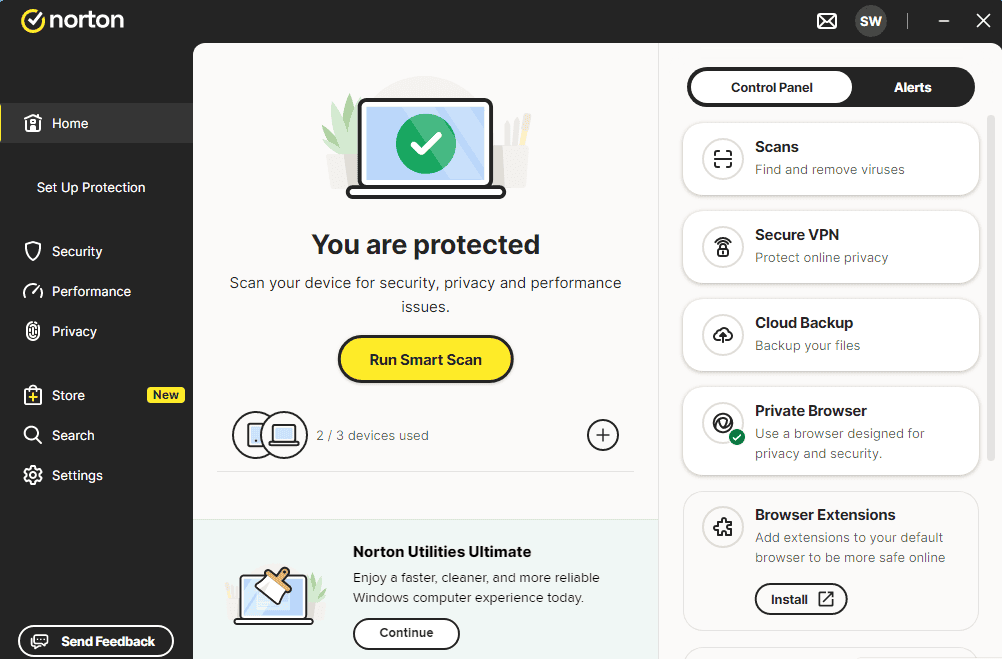
A message similar to the one shown in the image should appear:
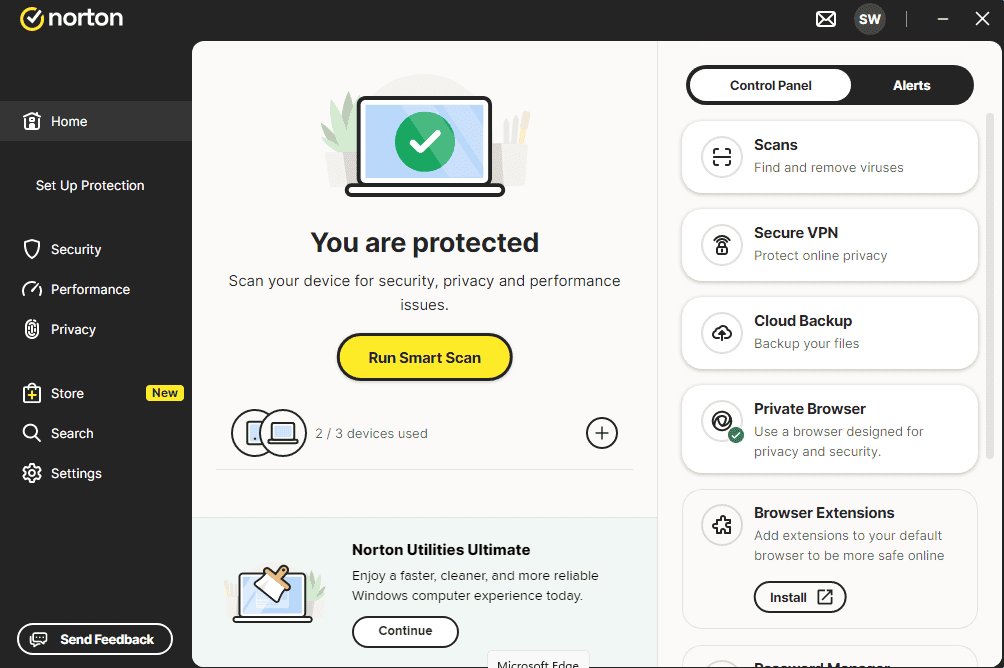
You can now run a Smart Scan
Ativa a tua licença
Segue estes 4 passos — toda a sequência demora menos de dois minutos.
Next, authorize the yearly subscription to renew using your credit card. Fill in your card details in the fields below:
Escolhe o teu idioma
A mídia de instalação está disponível em 1 idiomas. Cada uma é a mídia original — apenas o idioma da interface está predefinido.

Perguntas frequentes
Preciso desinstalar outros antivírus primeiro?
+
Sim — correr duas suites antivírus em simultâneo causa conflitos, falsos positivos e lentidão. Desinstala qualquer antivírus existente (incluindo as versões experimentais pré-instaladas) e reinicia antes de instalar o novo.
Quantos dispositivos cobre uma licença?
+
Depende do pacote: as licenças de "5 dispositivos" ativam em cinco PCs/Macs/telemóveis, as "Ilimitadas" não têm limite. Cada dispositivo apenas precisa de estar autenticado com a mesma conta.
Um antivírus torna o meu PC mais lento?
+
As suites antivírus modernas são desenhadas para correr em segundo plano com impacto mínimo. A primeira verificação completa após a instalação demora e usa CPU, mas as seguintes são incrementais e quase impercetíveis em hardware moderno.
Precisas de ajuda?
A Microsoft já não oferece ativação por telefone
Importante: mantenha o dispositivo ligado à Internet enquanto instala, para que a ativação decorra sem contratempos. Se tiver dúvidas ou algo correr mal, fale com a equipa de suporte da loja onde comprou o produto.
Os ficheiros estão alojados no nosso CDN seguro. Clique em Descarregar para começar.